
LeasHub

Move Smarter with LeasHub.

A smarter EV mobility marketplace connecting businesses and mobility Partners with reliable electric vehicle Fleet Owners for seamless electric vehicle booking and fleet supply.

Car driving along a motorway

One Marketplace.
Connected Mobility.

LeasHub brings vehicle demand and fleet supply together in one digital marketplace. Partners can request the vehicles they need, while Fleet Owners can make their available vehicles and drivers accessible for bookings.

Book

Request EVs based on your required vehicle category, quantity and duration.
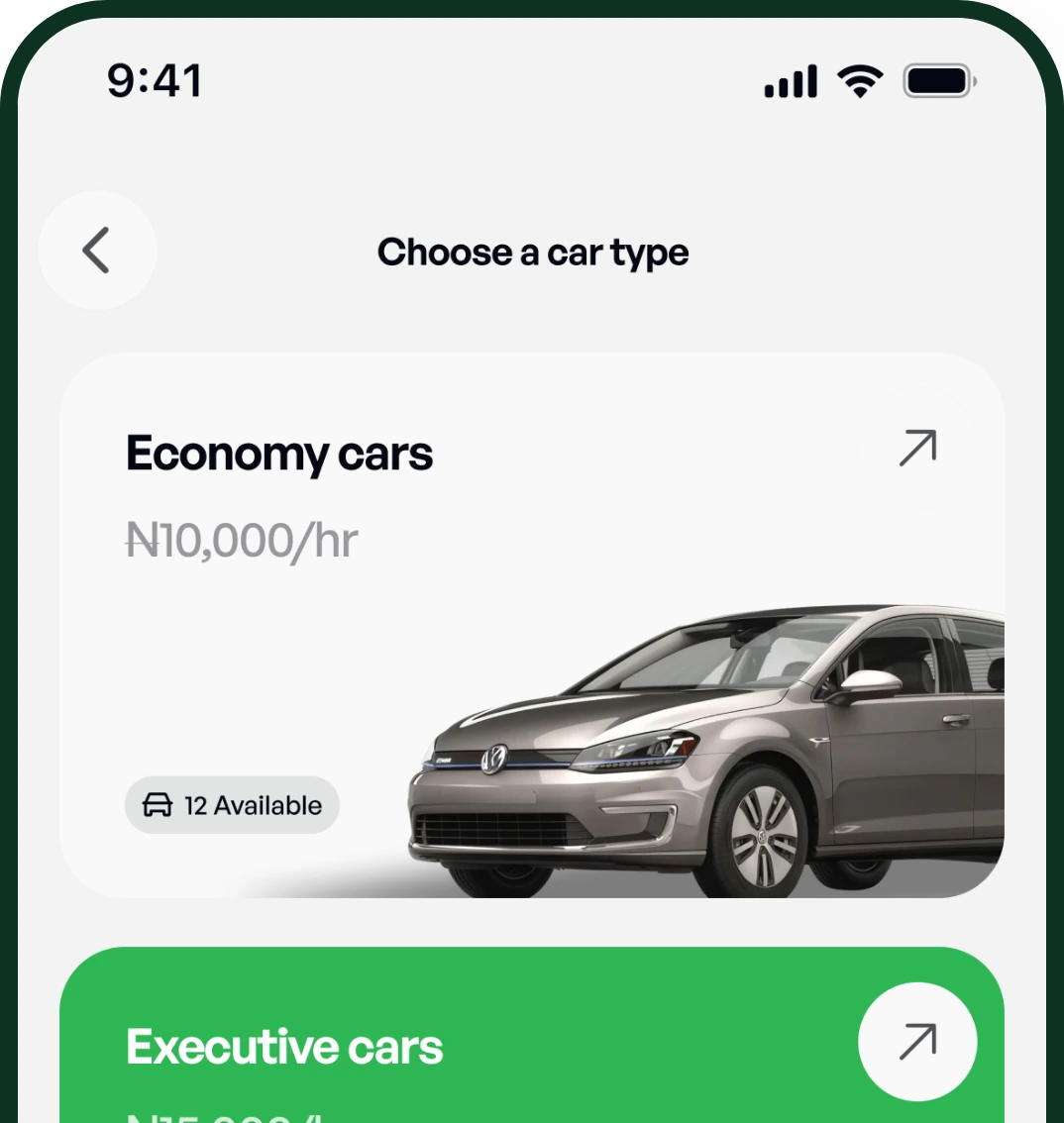
LeasHub app: choosing a car type

Connect

Booking requests reach eligible Fleet Owners with available vehicles.
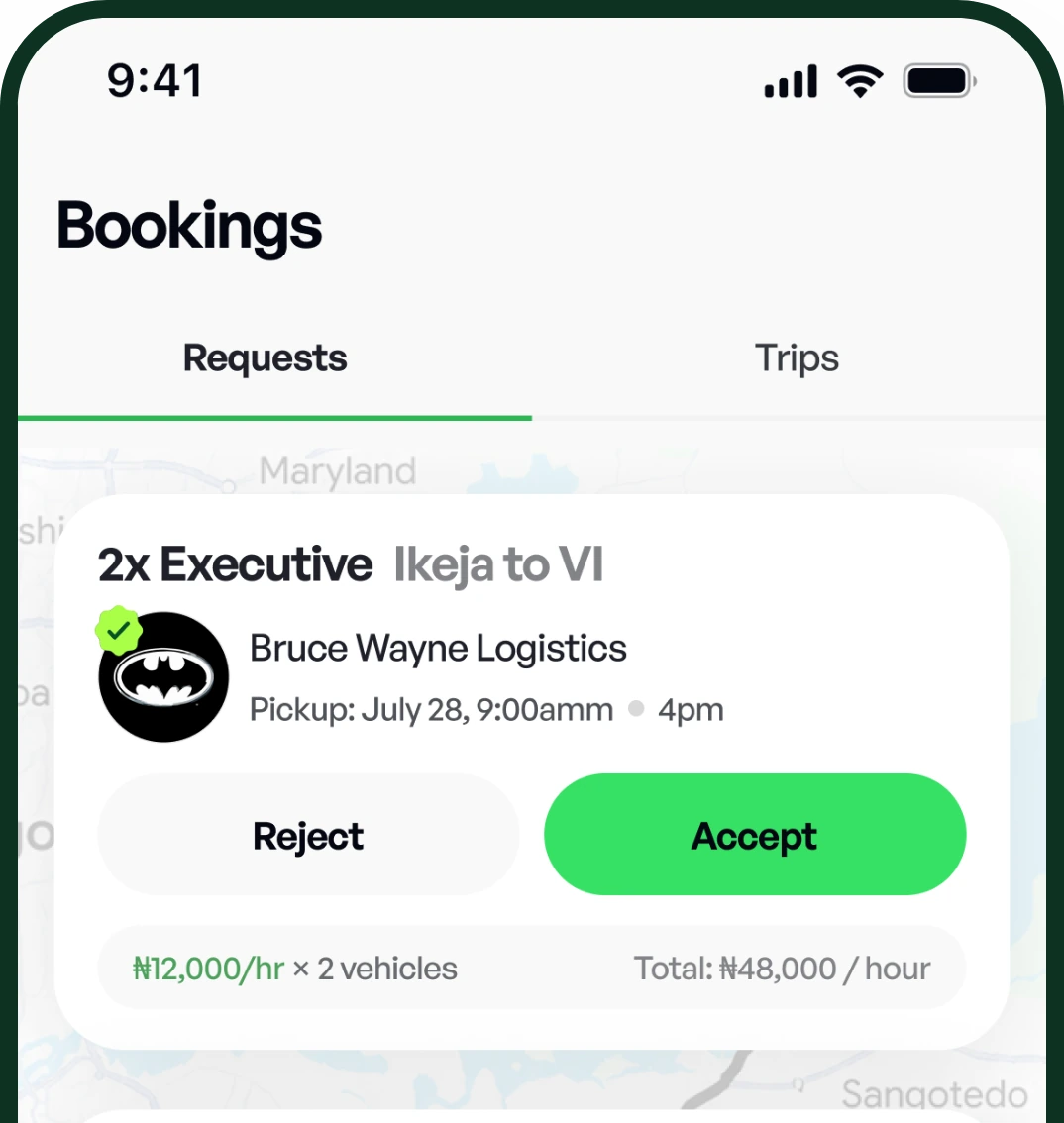
LeasHub app: a Fleet Owner reviewing a booking request

Move

Vehicles and drivers are assigned and the booking proceeds to trip execution.
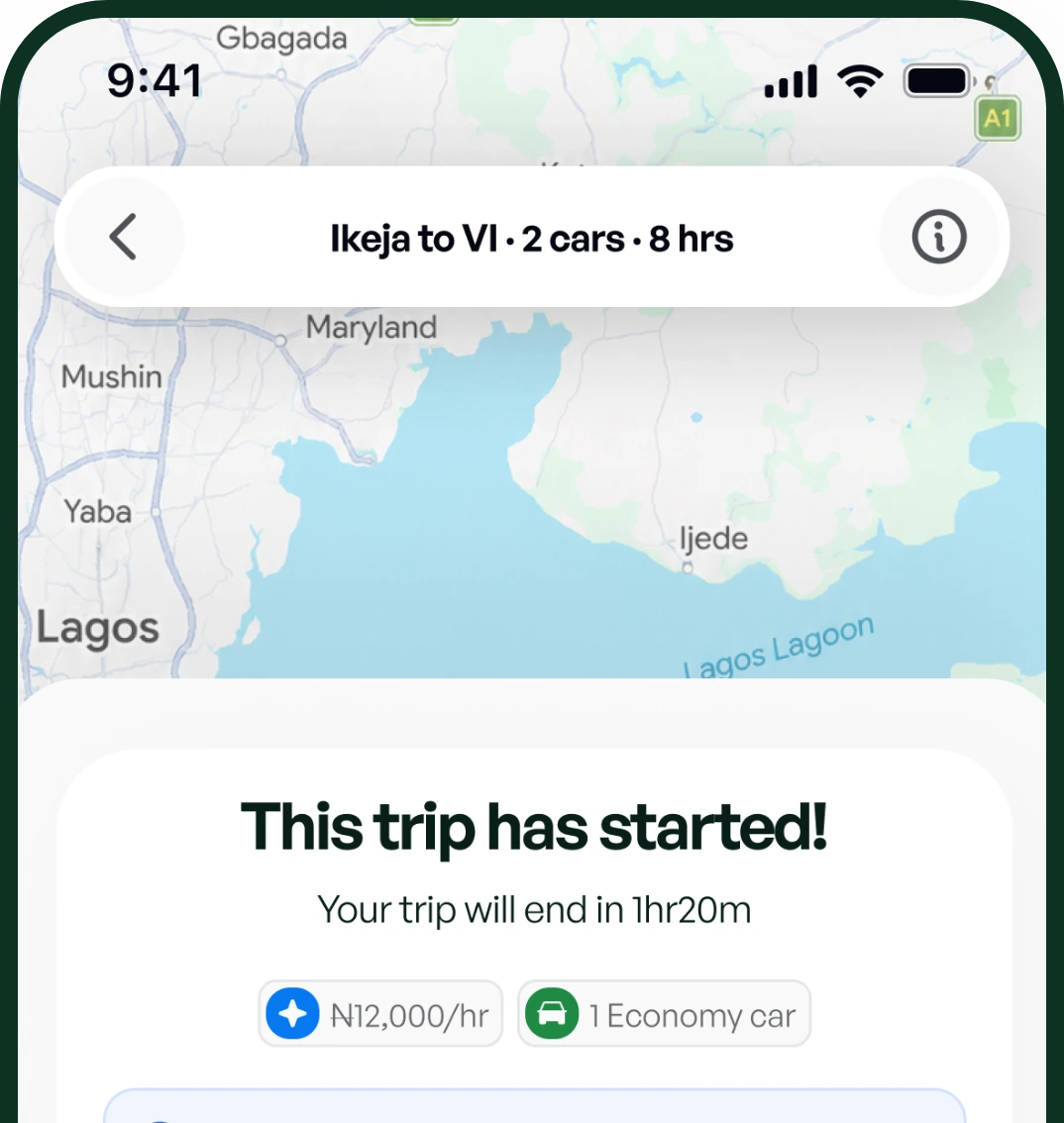
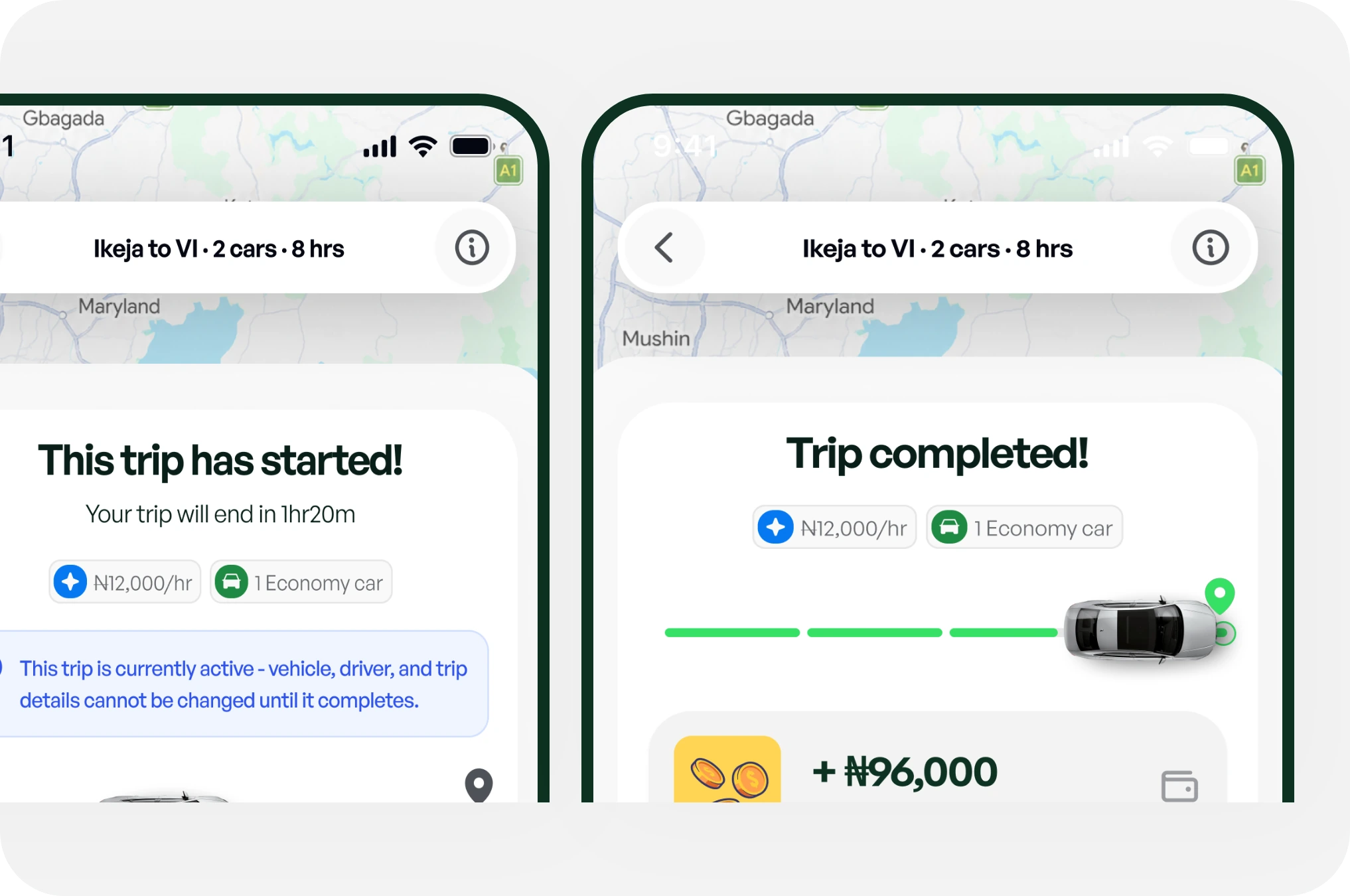
LeasHub app: a trip in progress on the map

How it works

For Partners

  1. Step 1 of 7

    Create your account

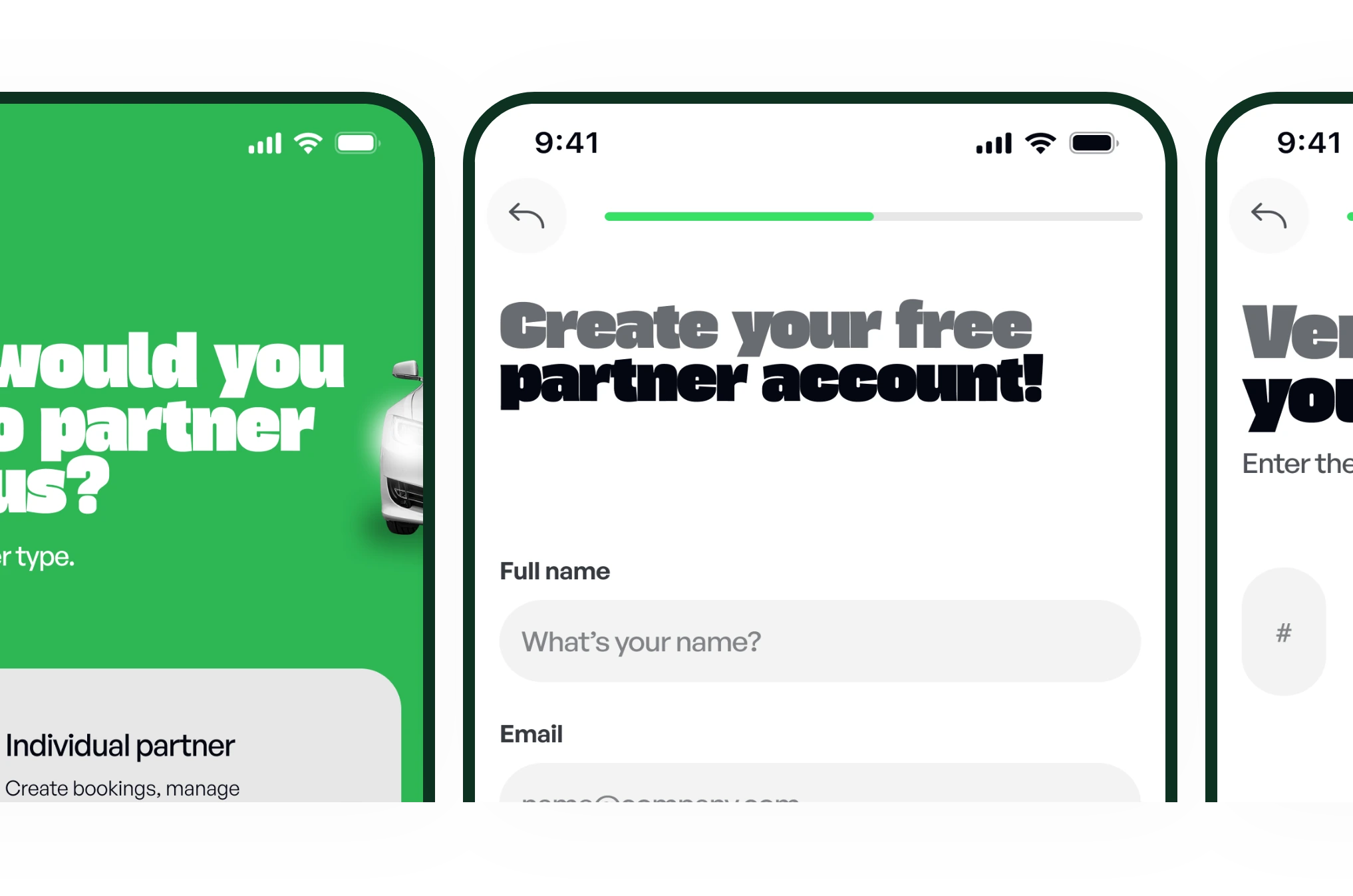
    Partner sign-up: choose an account type, create an account and verify your email
  2. Step 2 of 7

    Fund your LeasHub Wallet

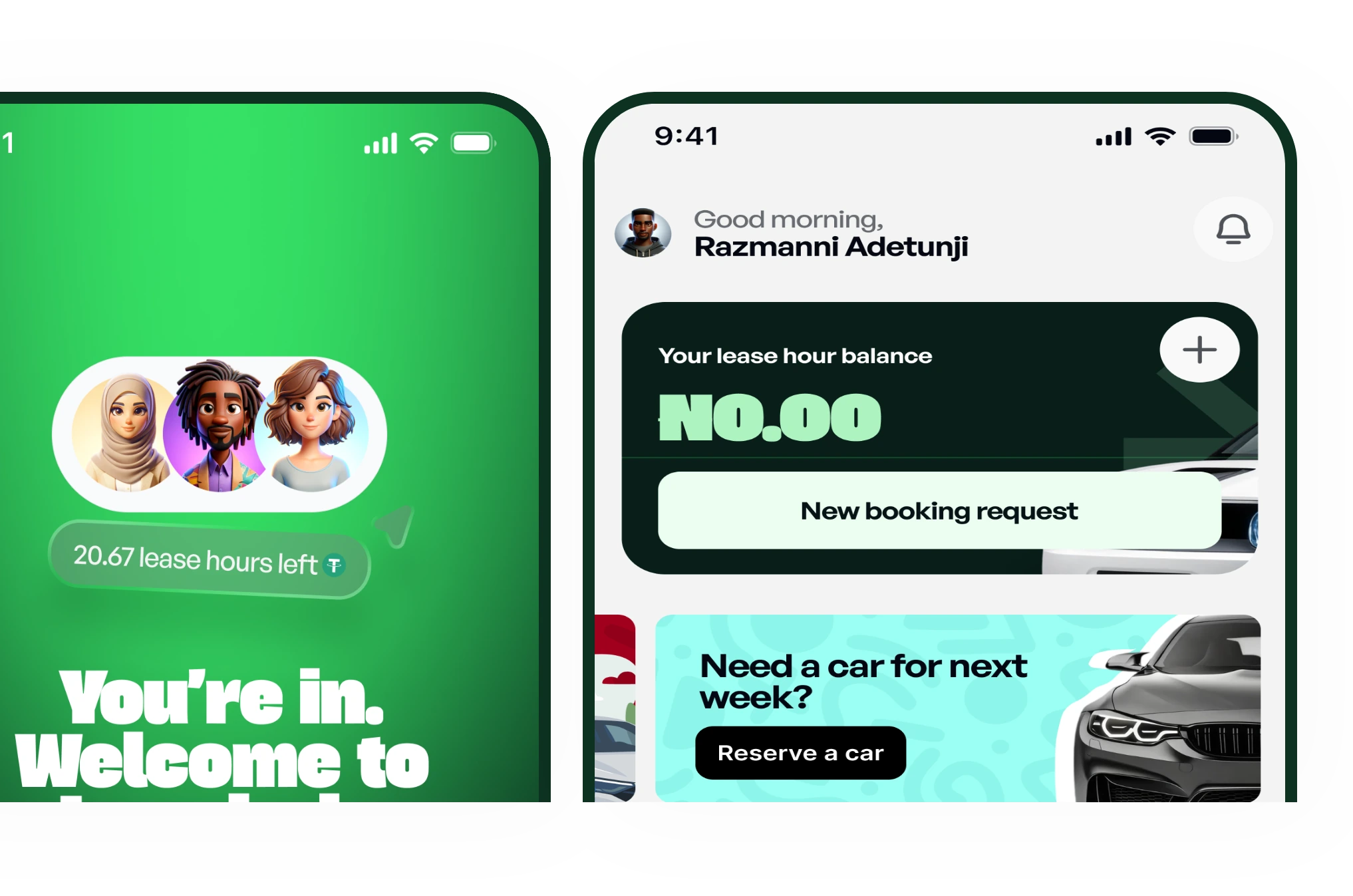
    Welcome screen and partner home with the lease hour balance
  3. Step 3 of 7

    Choose a vehicle category and quantity
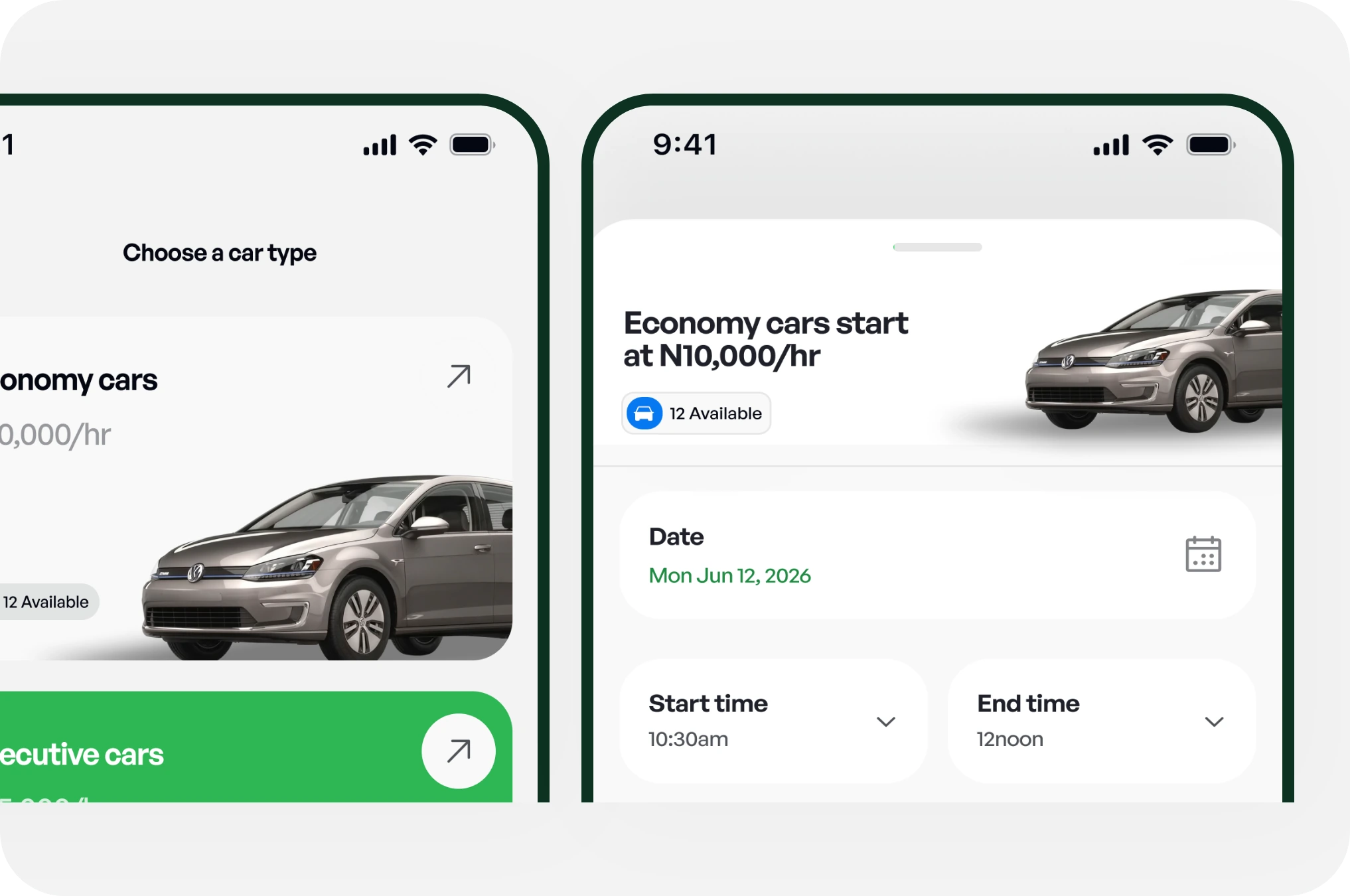
    Choosing a car type and entering booking details
  4. Step 4 of 7

    Select your booking type and trip details
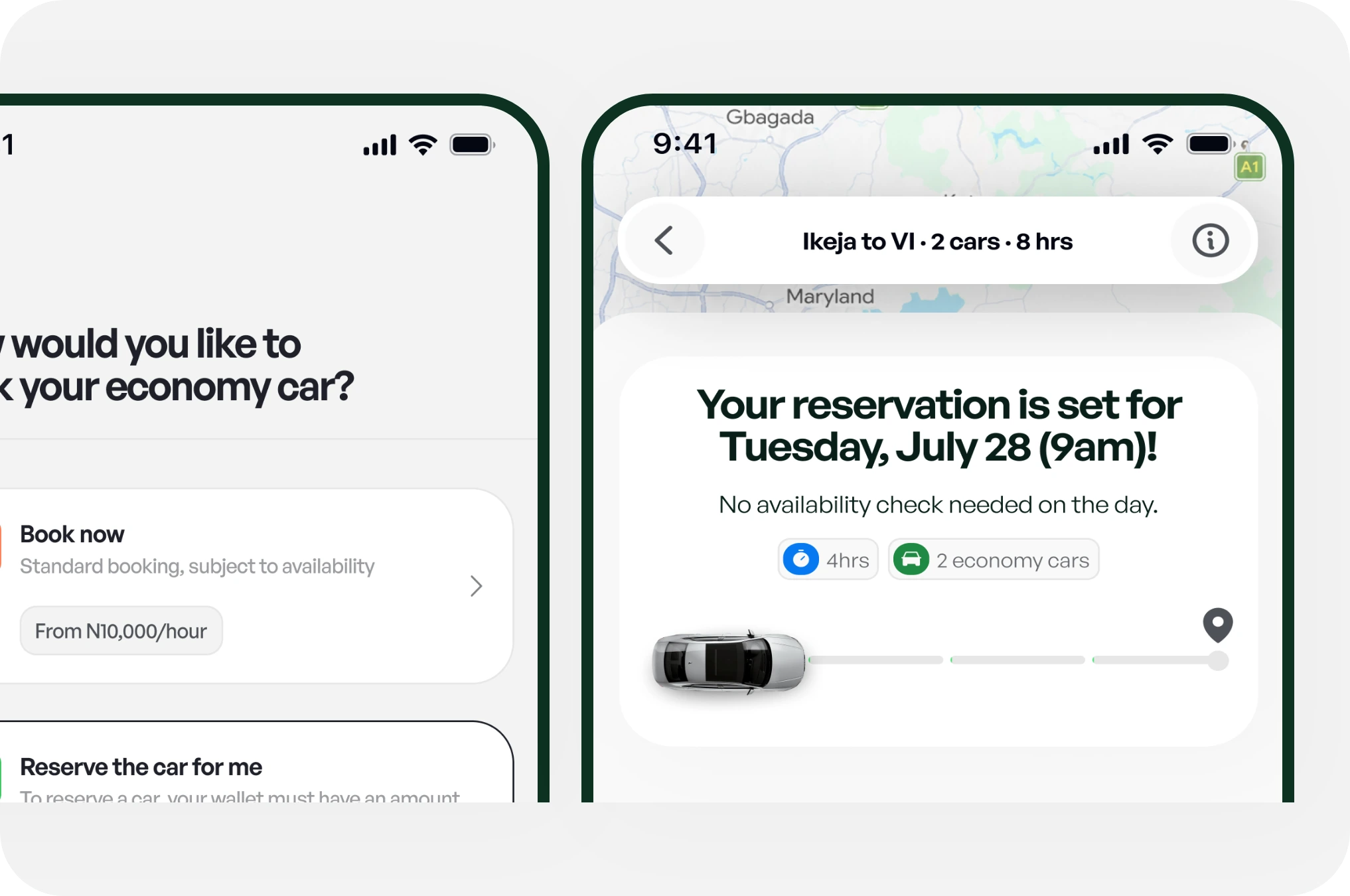
    Choosing a booking type and the reservation confirmation
  5. Step 5 of 7

    Review and submit your booking request
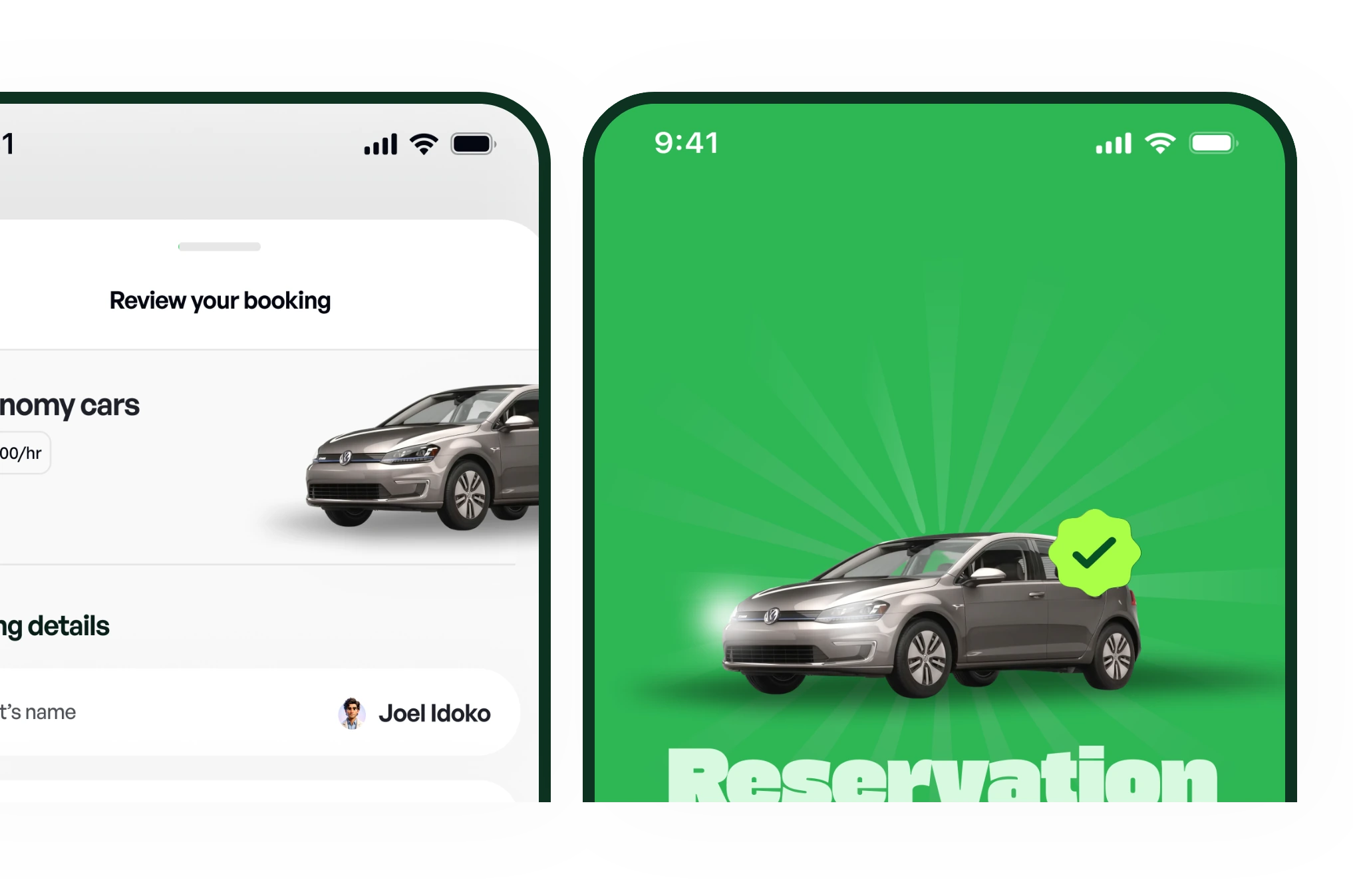
    Reviewing the booking and the reservation confirmed screen
  6. Step 6 of 7

    A Fleet Owner accepts and assigns the vehicle(s) and driver(s)
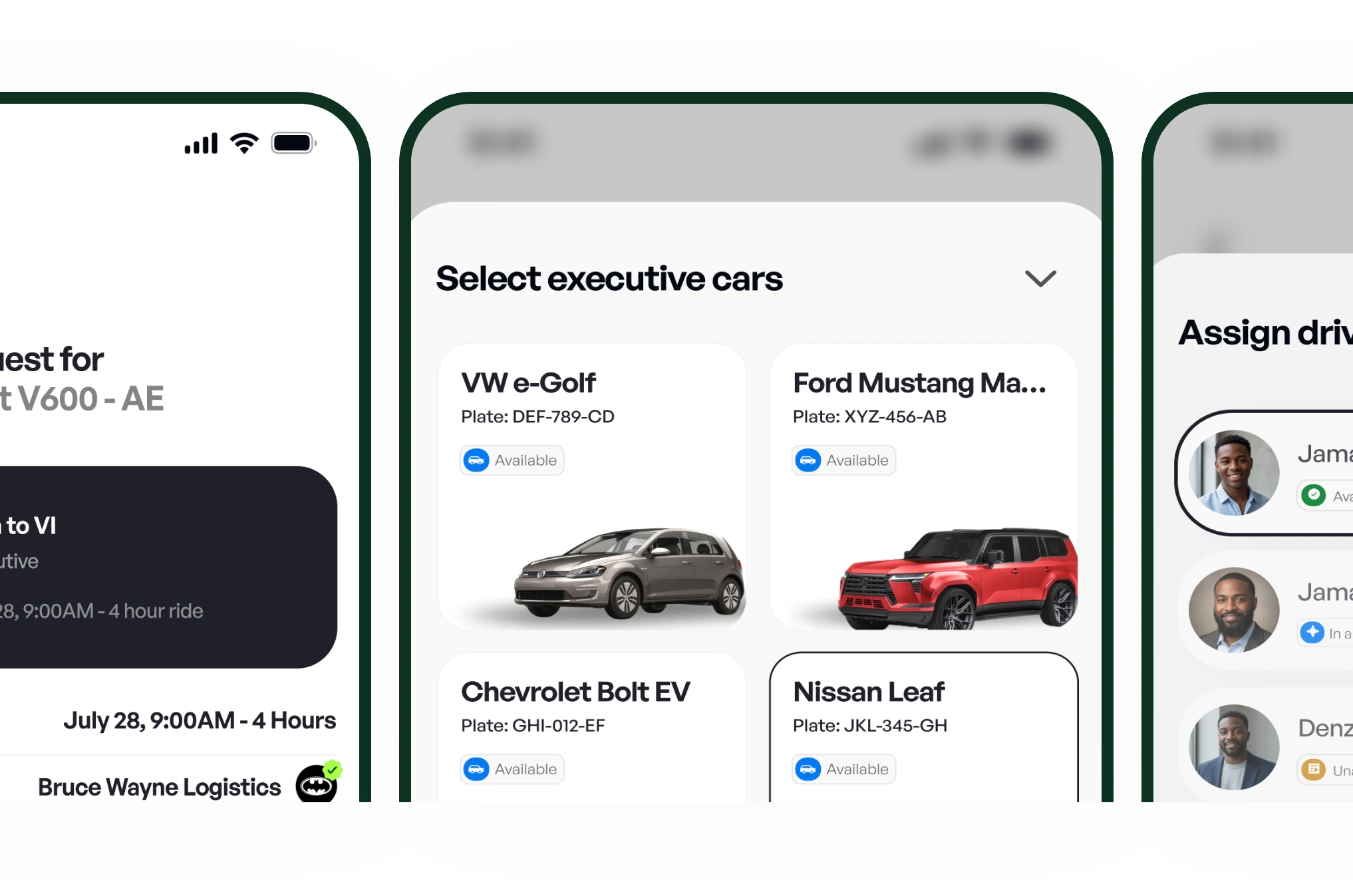
    A Fleet Owner reviews the request, selects cars and assigns drivers
  7. Step 7 of 7

    Track your booking and trip
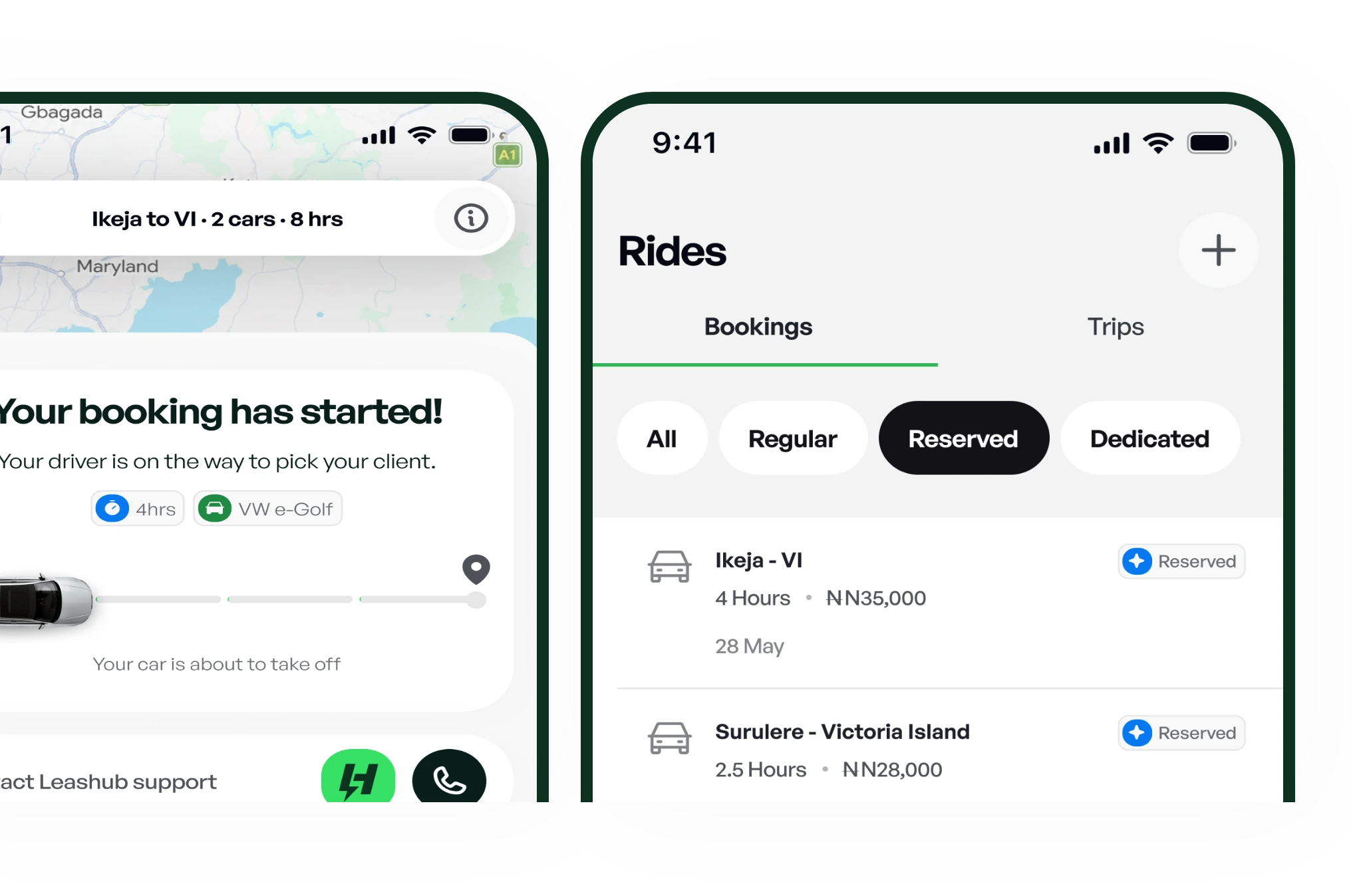
    Live trip tracking and the rides list
Join as a Partner

How it works

For Fleet Owners

  1. Step 1 of 8

    Create your Fleet Owner account
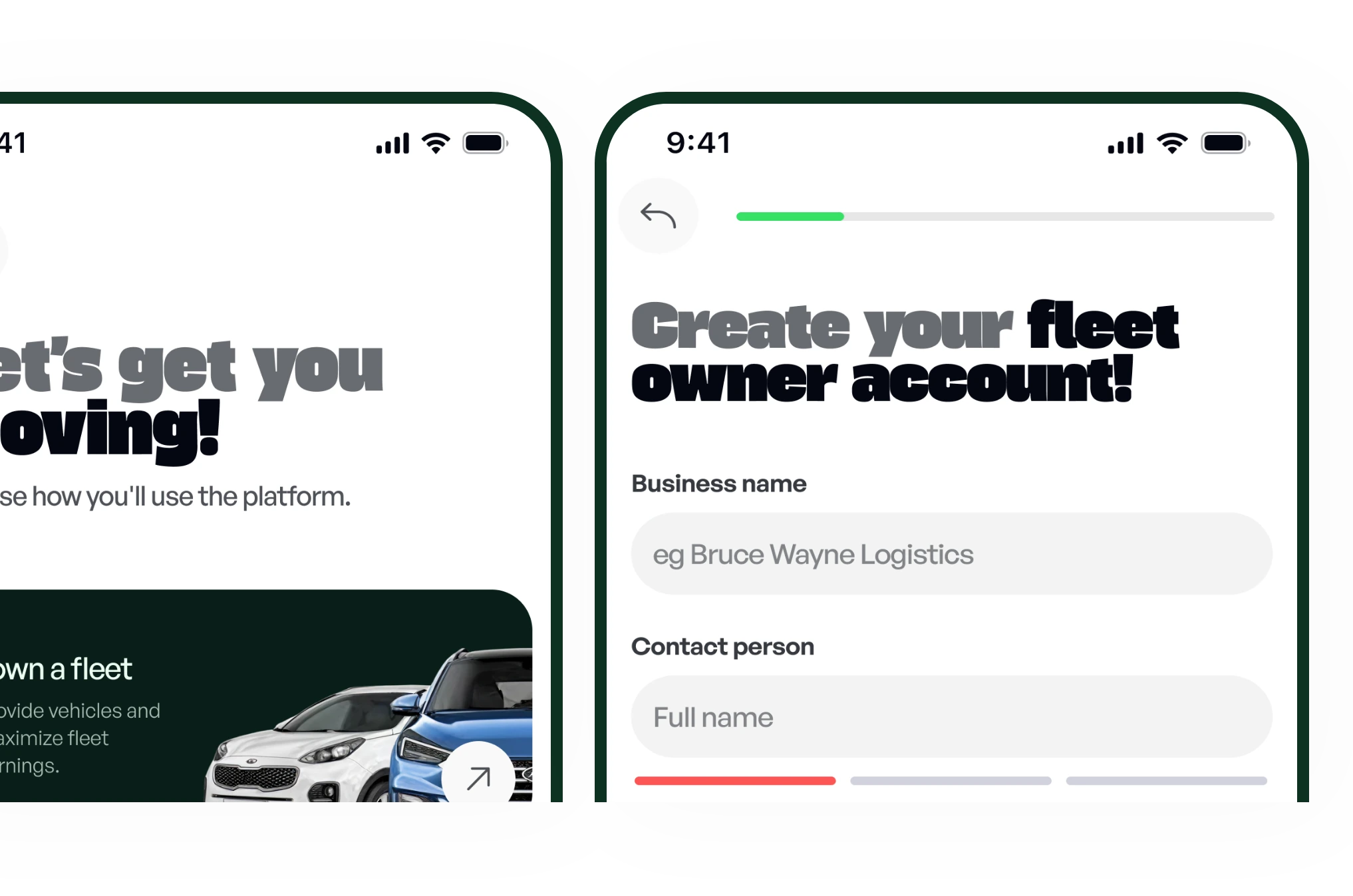
    Fleet Owner sign-up: choose to own a fleet and create a business account
  2. Step 2 of 8

    Complete verification

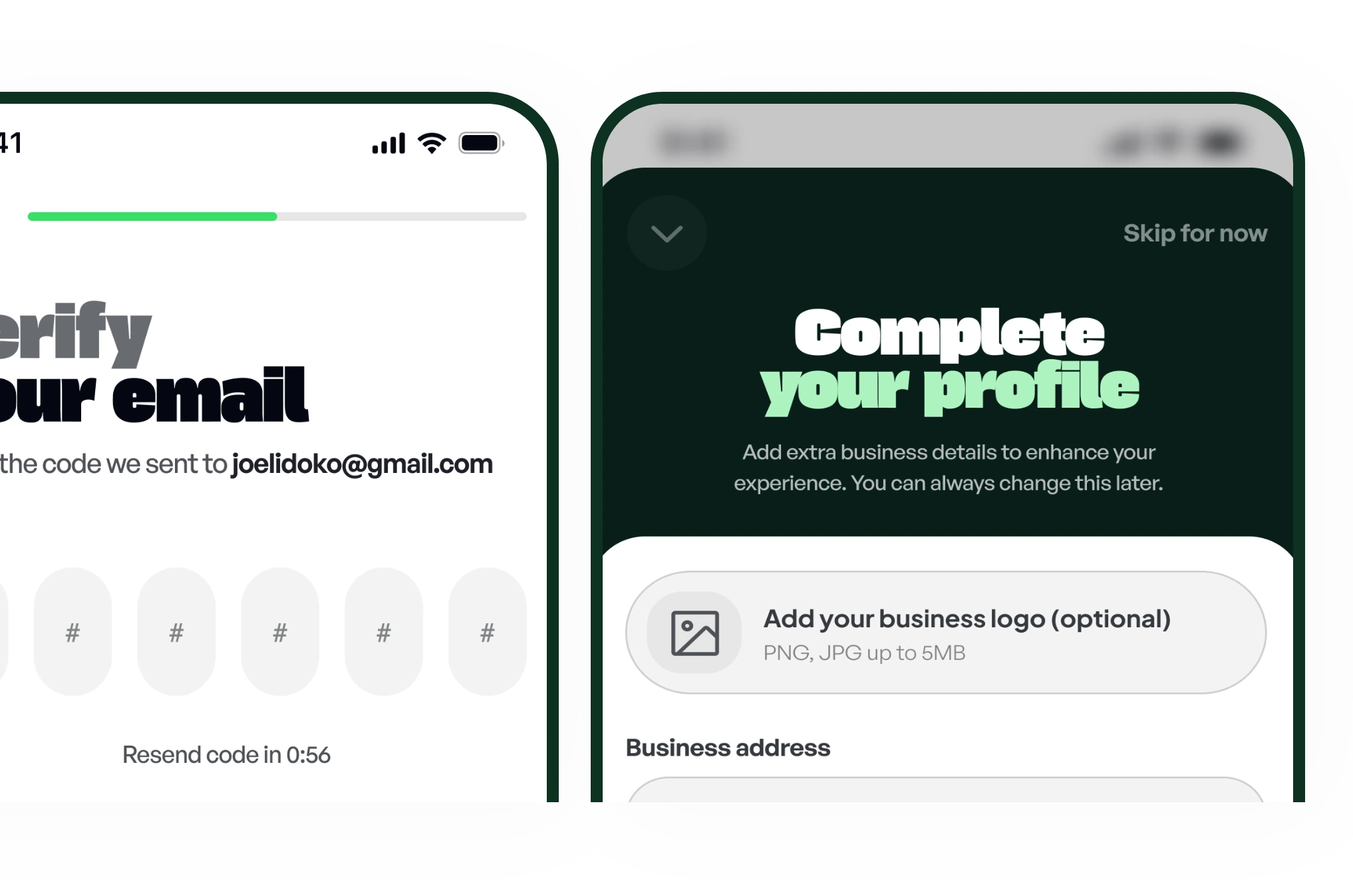
    Email verification and completing the business profile
  3. Step 3 of 8

    Add your vehicles and drivers
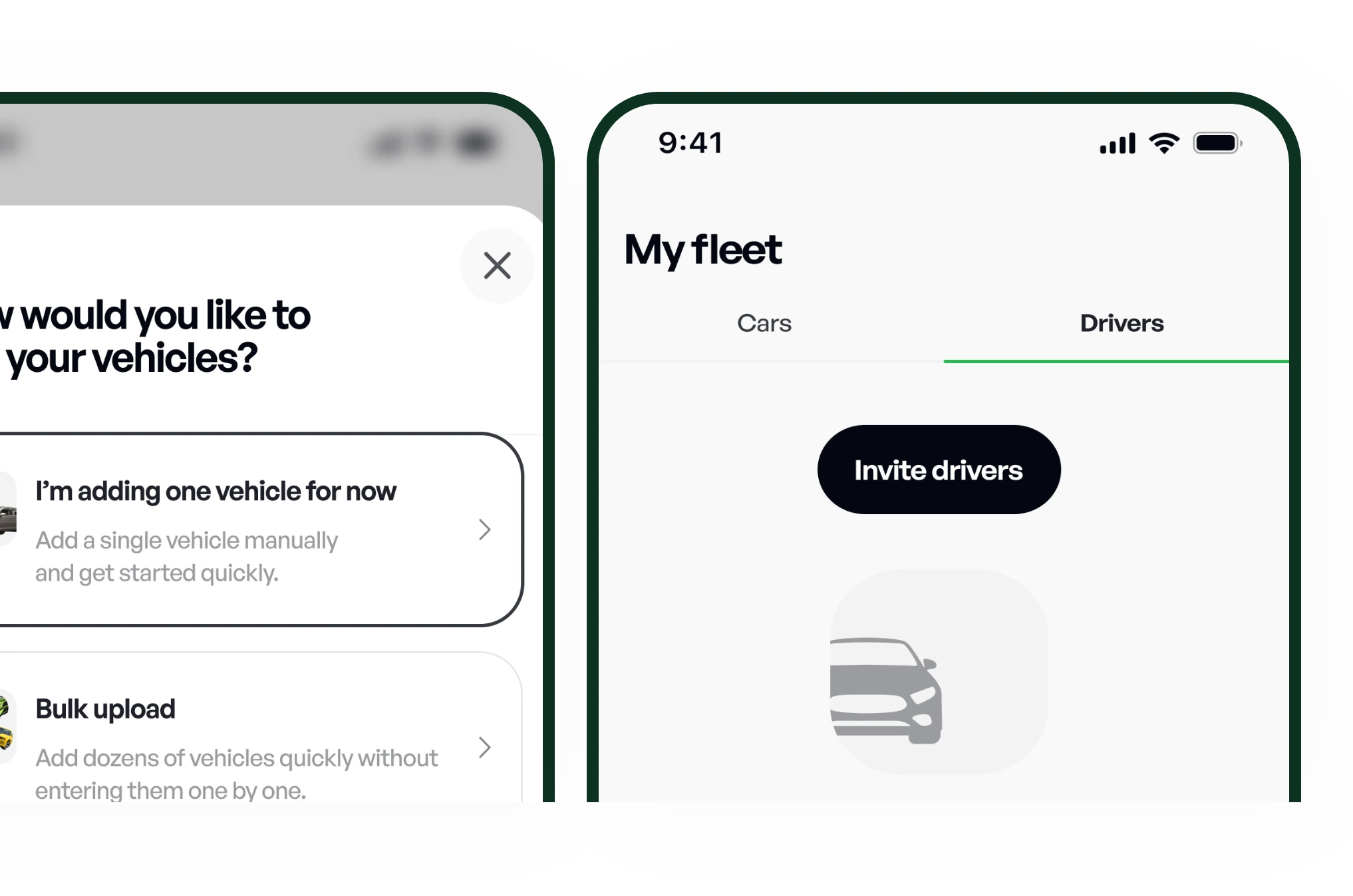
    Adding vehicles and inviting drivers to the fleet
  4. Step 4 of 8

    Receive eligible booking requests
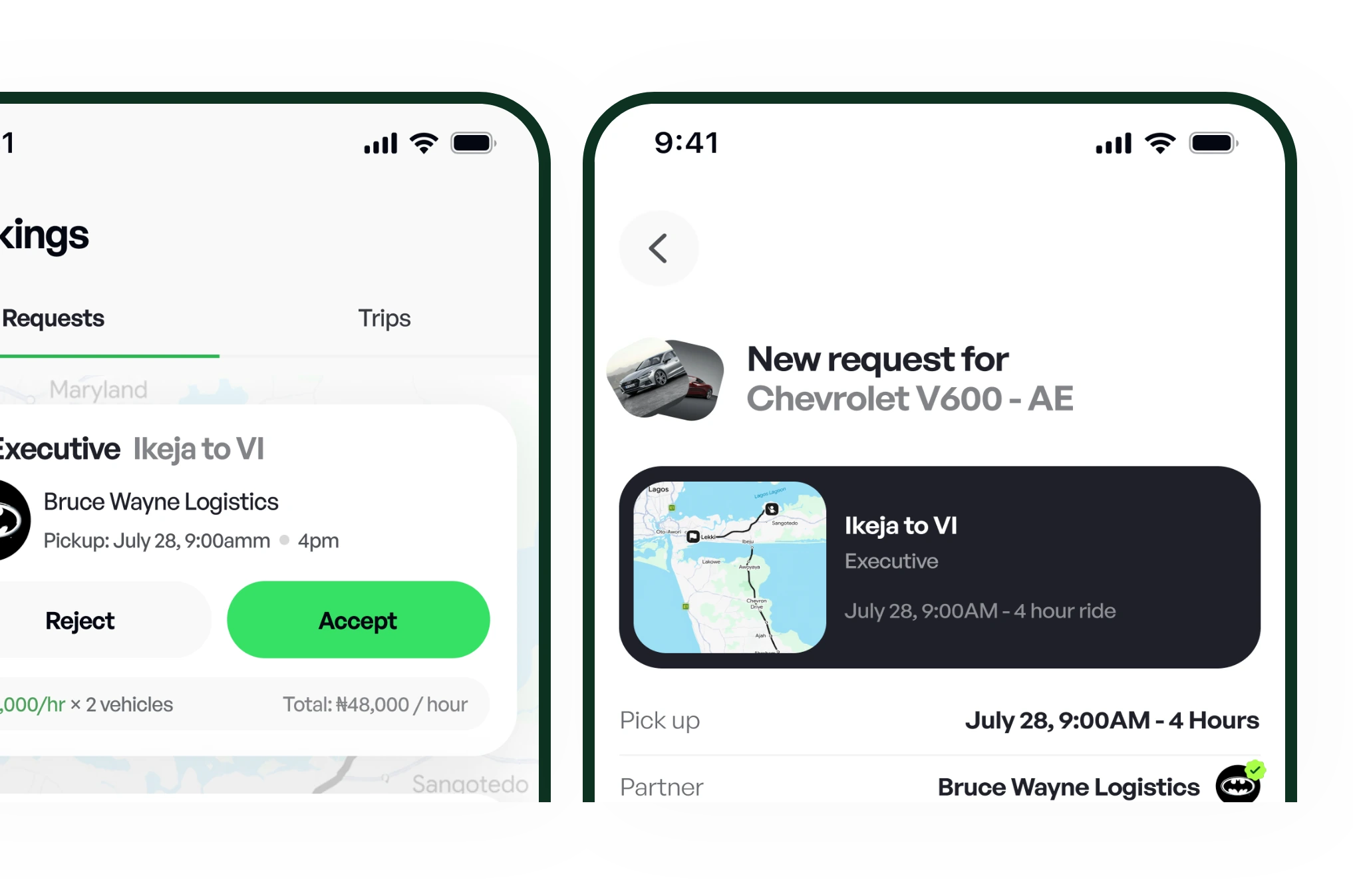
    Incoming booking requests and a request's details
  5. Step 5 of 8

    Accept a booking request

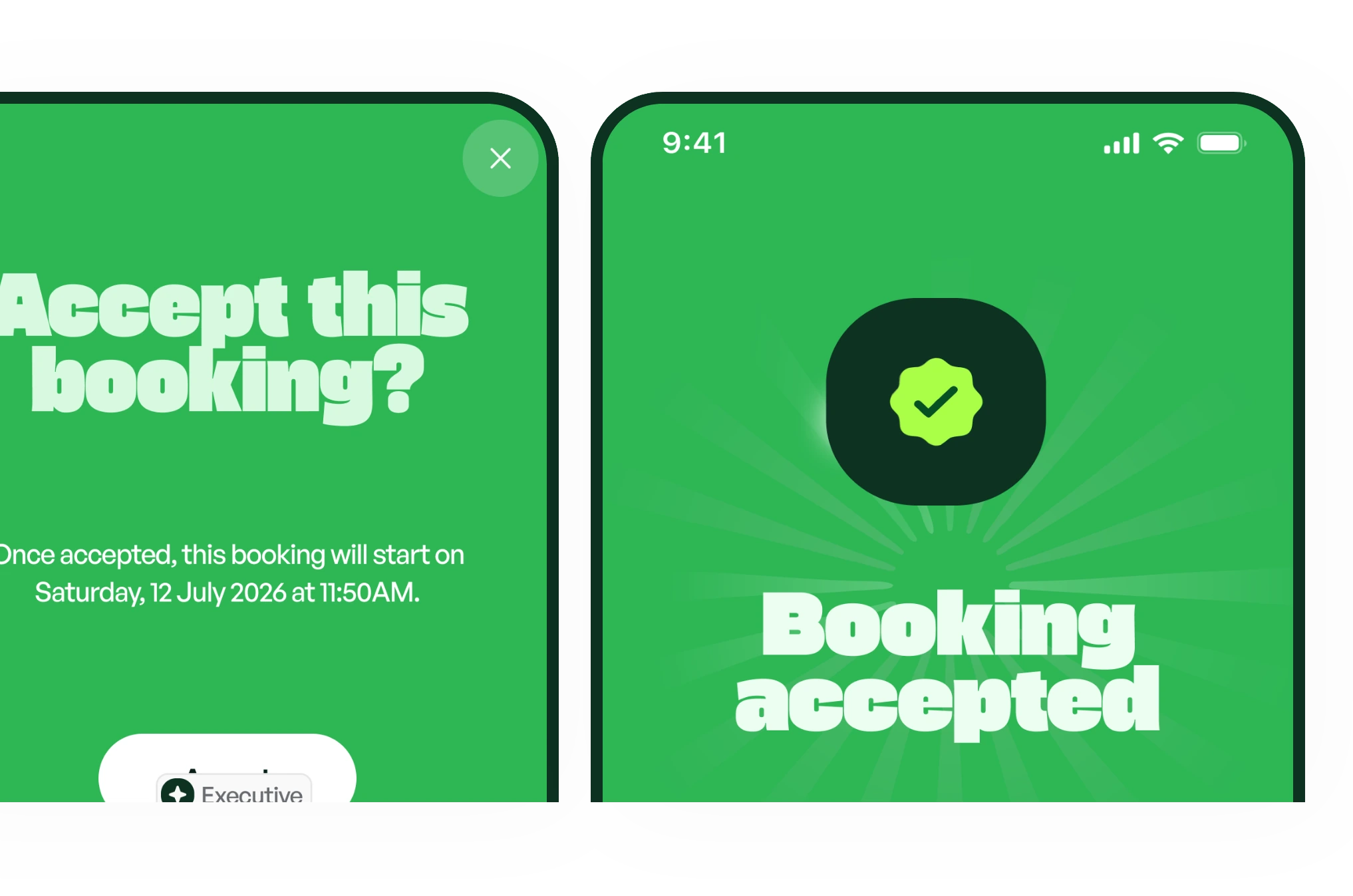
    Accepting a booking and the booking accepted confirmation
  6. Step 6 of 8

    Assign the appropriate vehicle(s) and driver(s)
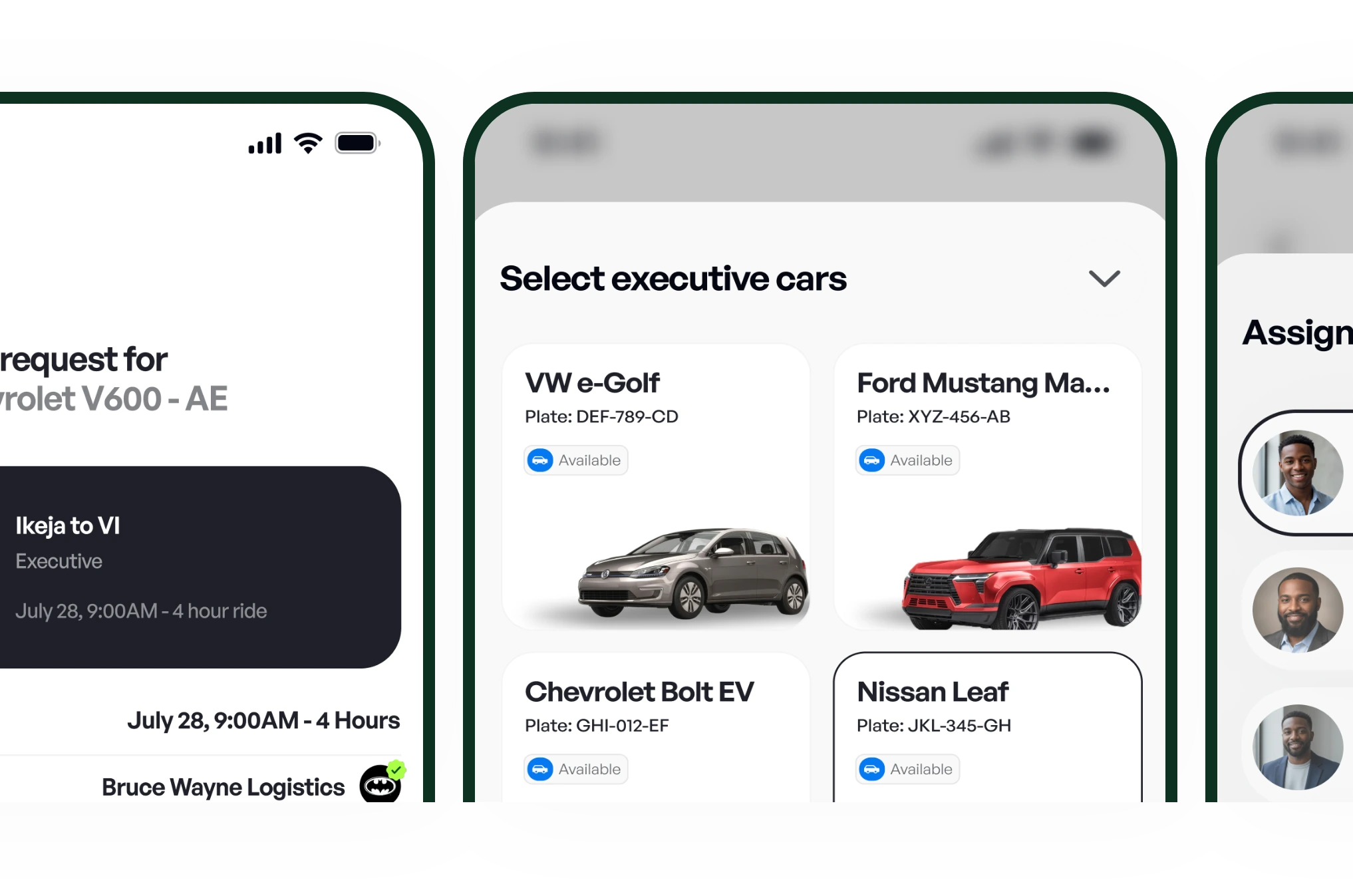
    Selecting cars and assigning drivers to a booking
  7. Step 7 of 8

    Complete the trip

    A trip in progress and the trip completed screen
  8. Step 8 of 8

    Receive your applicable Fleet Owner earnings
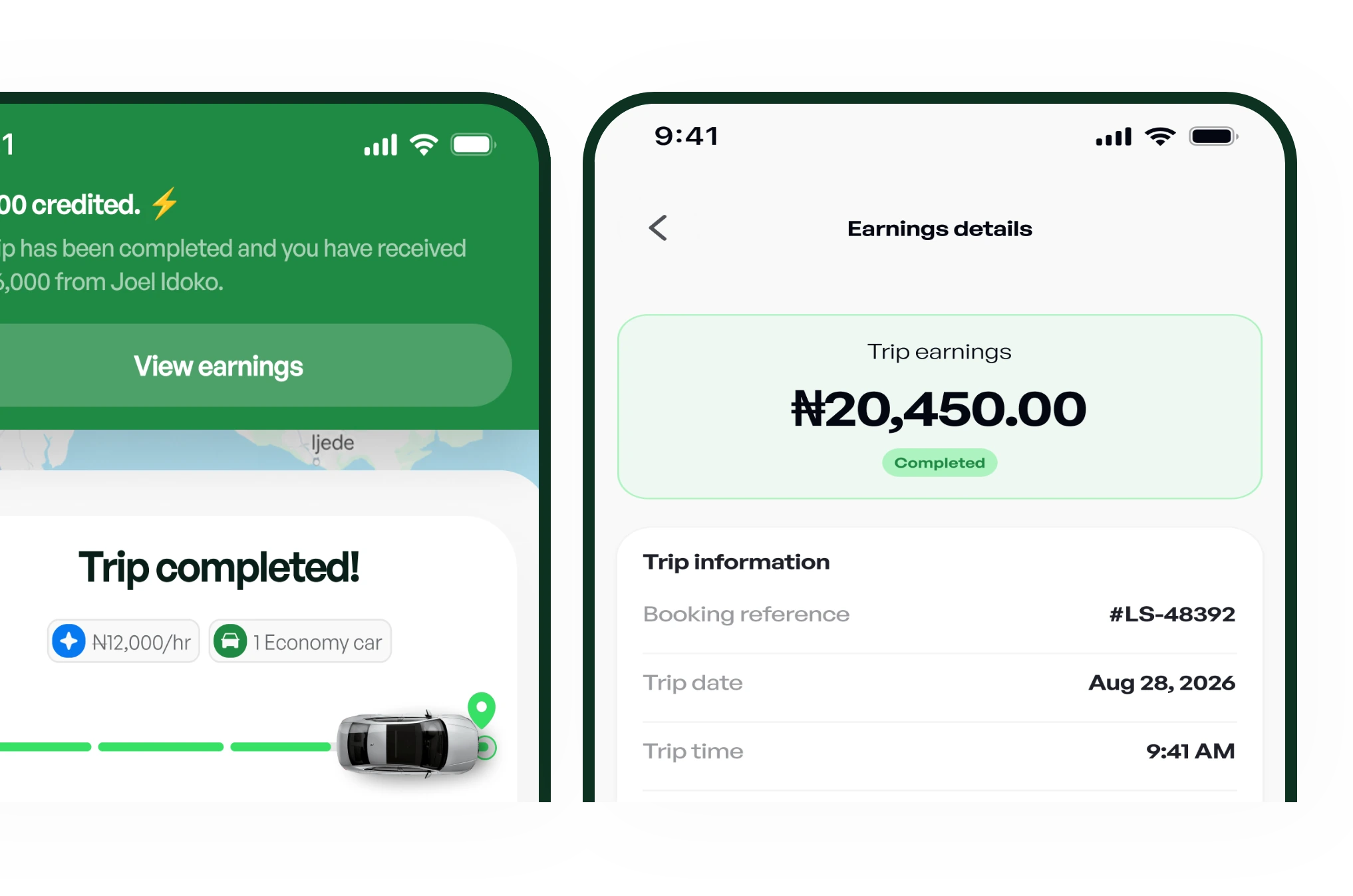
    Earnings notification and the trip earnings details
List your fleet

Vehicle categories

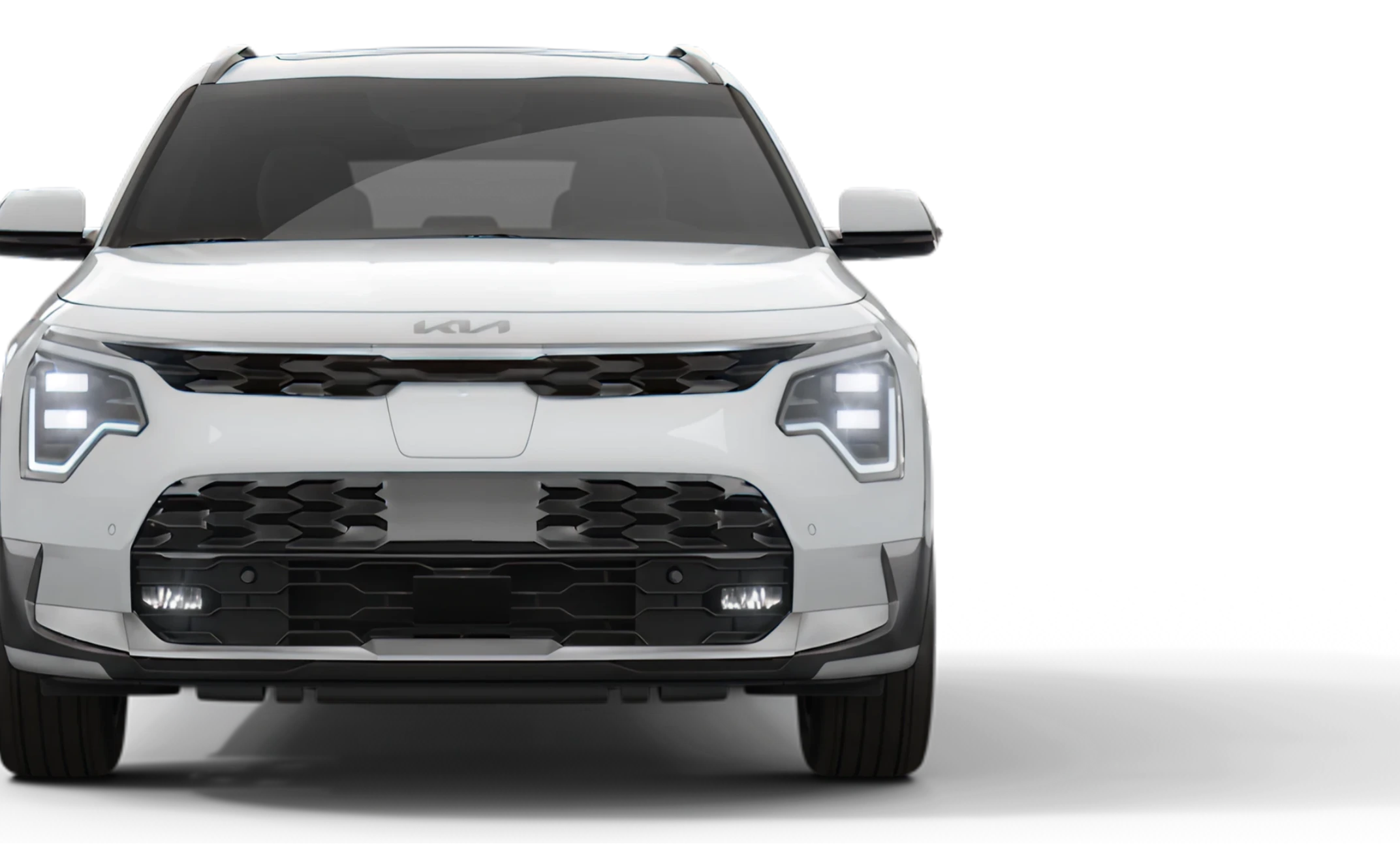
Choose the Right EV for Every Need.

Comfort

Practical EV mobility for everyday business and passenger movement.
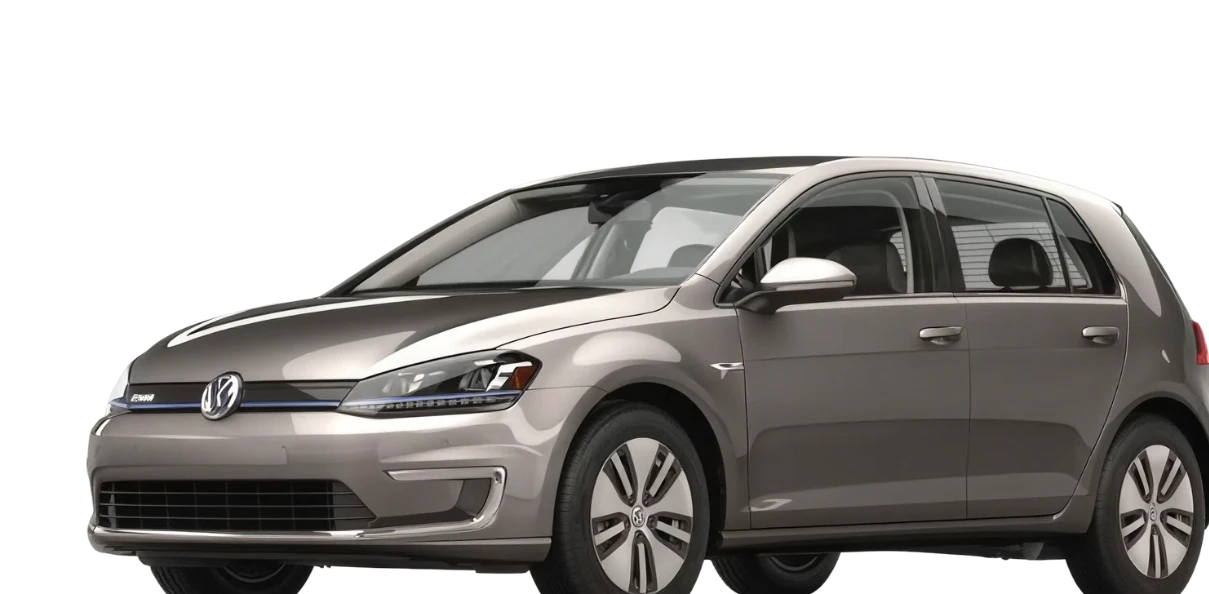
Silver Volkswagen e-Golf hatchback

Executive

Comfortable and refined EV mobility for professional and corporate travel.
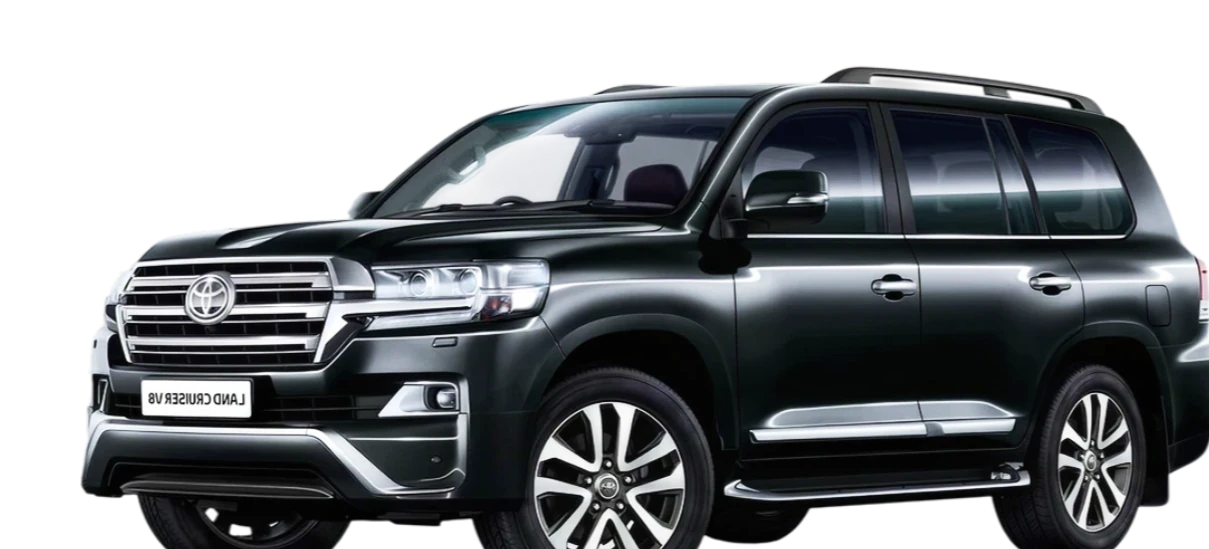
Black full-size SUV

Premium

Top-tier EV mobility for high-end and special-use requirements.
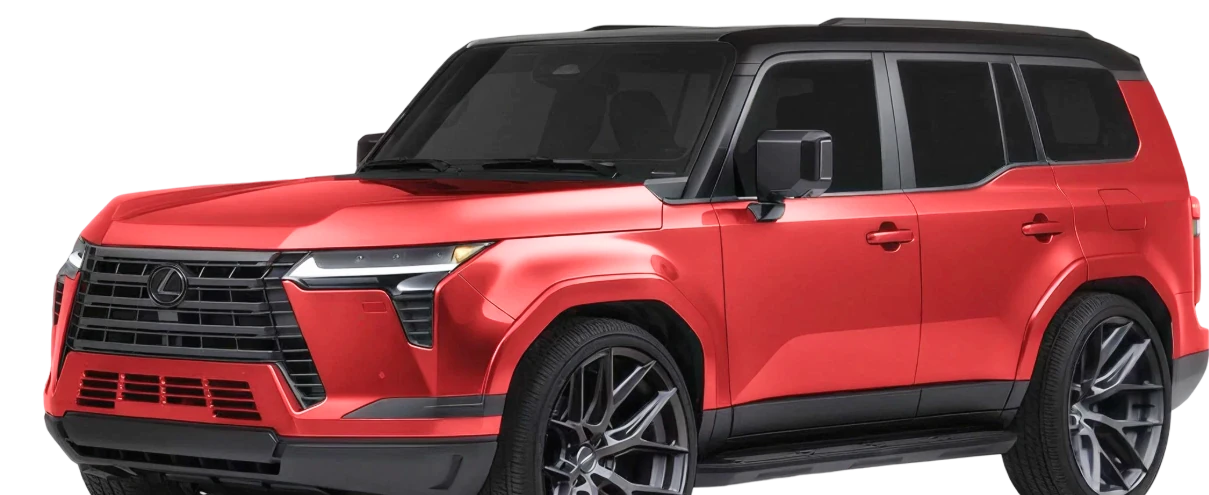
Red luxury SUV

Booking Option

Book the Way You Need.

Regular / Straight

For standard vehicle bookings based on category, quantity and required duration.

Reserved

For bookings planned and scheduled ahead of the required trip time.

Dedicated

For vehicle requirements that need dedicated service for an agreed period.

Why Choose LeasHub

Everything You Need for Simpler EV Mobility.

Access Vehicles Easily

Find and request EVs from verified Fleet Owners through a single marketplace.

Flexible Booking Options

Book by vehicle category, quantity, and booking type based on your needs.

Digital Payments & Management

Fund your wallet, manage bookings, and review requests before confirmation.

Trusted & Transparent Operations

Track booking progress, view trip status, and work with verified vehicles and drivers.

From Booking Request to Vehicle Assignment.

Booking & Allocation

  1. Request

    Partner submits a vehicle booking request.

  2. Match

    The request becomes available to eligible Fleet Owners with sufficient availability.

  3. Accept

    The first eligible Fleet Owner to accept owns the booking request.

  4. Assign

    The Fleet Owner selects the actual vehicle(s) and driver(s).

  5. Trip

    The booking proceeds to trip execution.

Need Electric Vehicles for Your Business?

Access the vehicles you need through a structured marketplace designed to make business mobility easier.
  • Request one or multiple vehicles.
  • Choose Comfort, Executive or Premium.
  • Use Regular/Straight, Reserved or Dedicated bookings.
  • Fund your wallet and manage your bookings in one place.
  • Track booking status and trip progress.
Join as a Partner
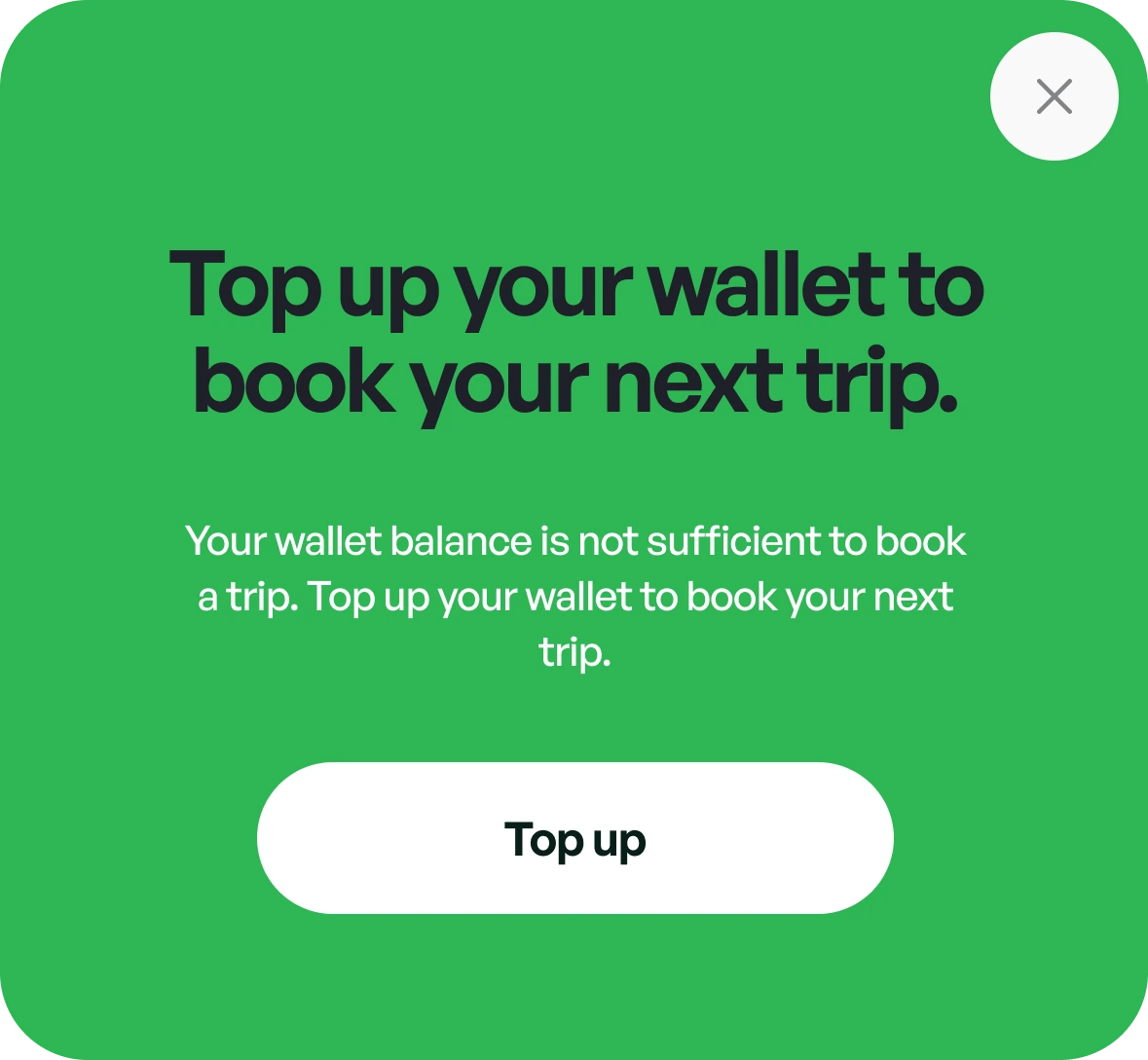
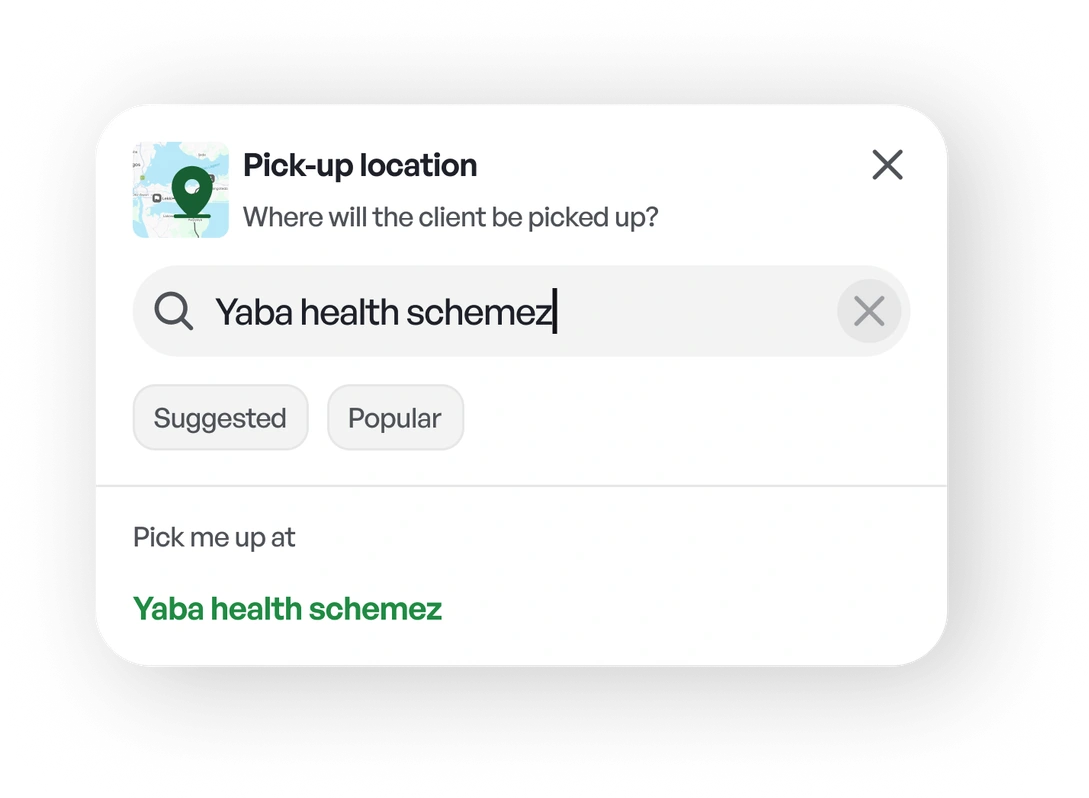
Wallet prompt asking the partner to top up before booking their next tripPick-up location search with a suggested address selected

Put your EV fleet to work

List your vehicles and drivers, accept bookings that fit your fleet and track your earnings.
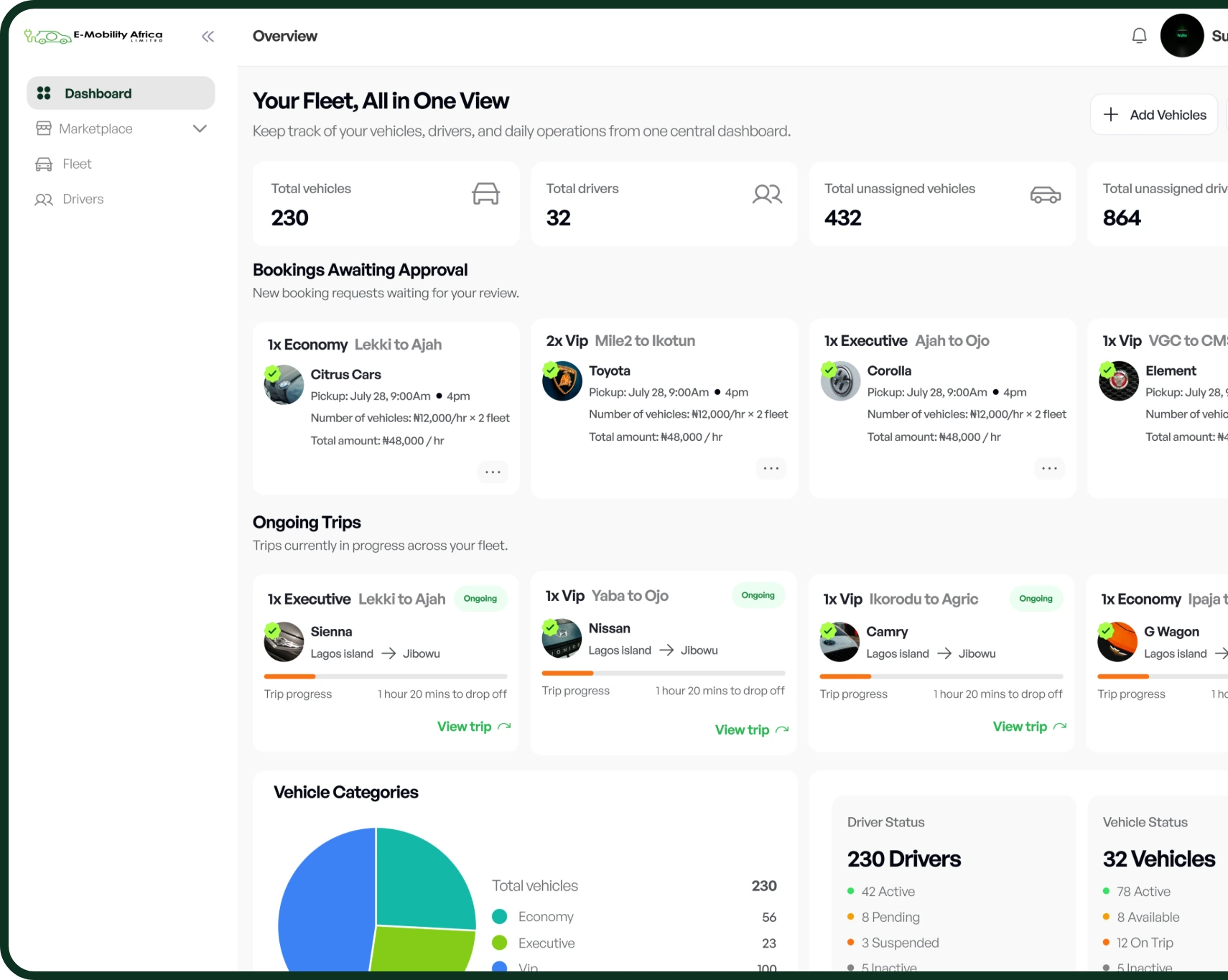
LeasHub Fleet Owner dashboard: fleet totals, bookings awaiting approval and ongoing trips
  • Add and manage your vehicles.
  • Add and manage your drivers.
  • Receive eligible booking requests.
  • Accept bookings that match your available fleet.
  • Assign vehicles and drivers.
  • Manage bookings and view your earnings.
List your fleet

Simple, Digital Booking Payments.

Top up your LeasHub Wallet by bank transfer to your own dedicated account, see what every booking costs before you confirm, and keep a clear record of every payment.
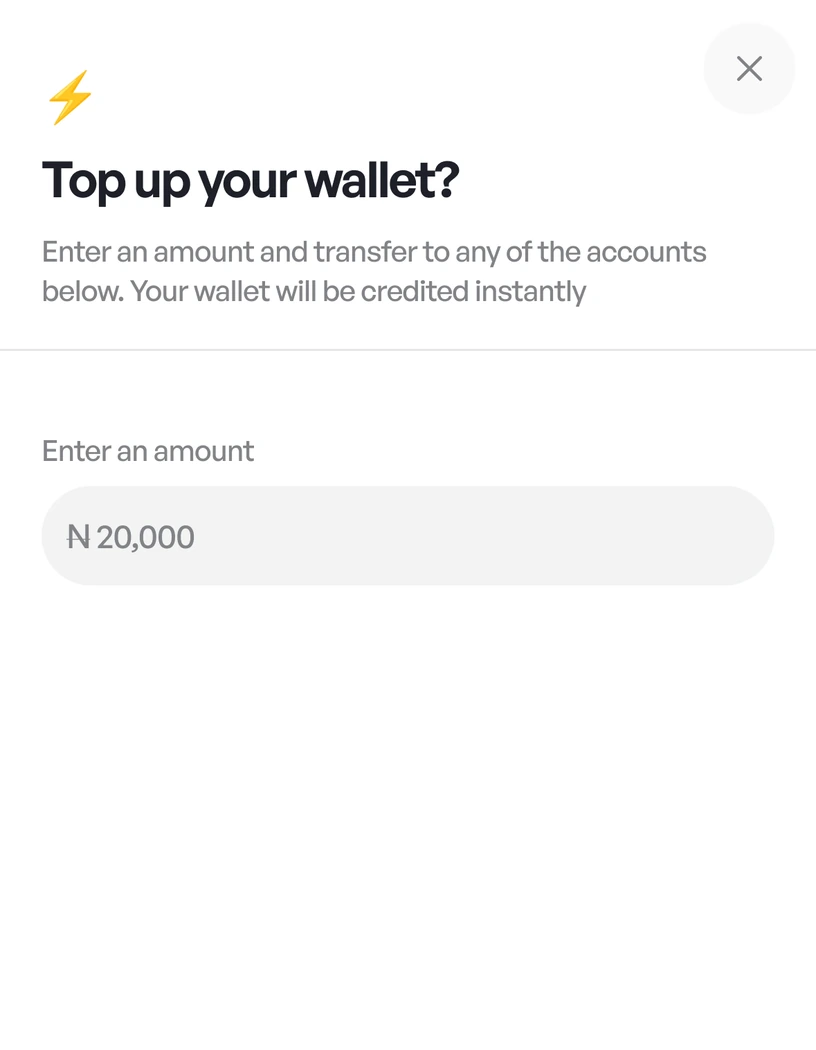
Top up your wallet screen with an amount field
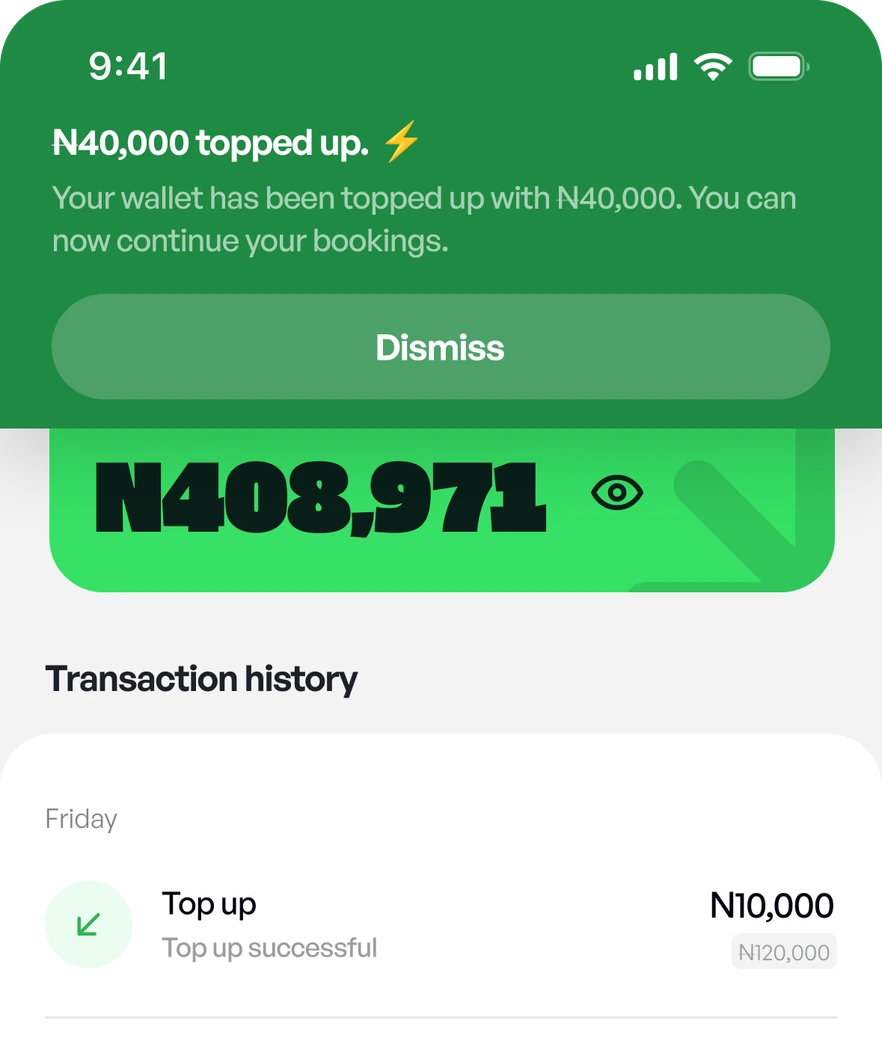
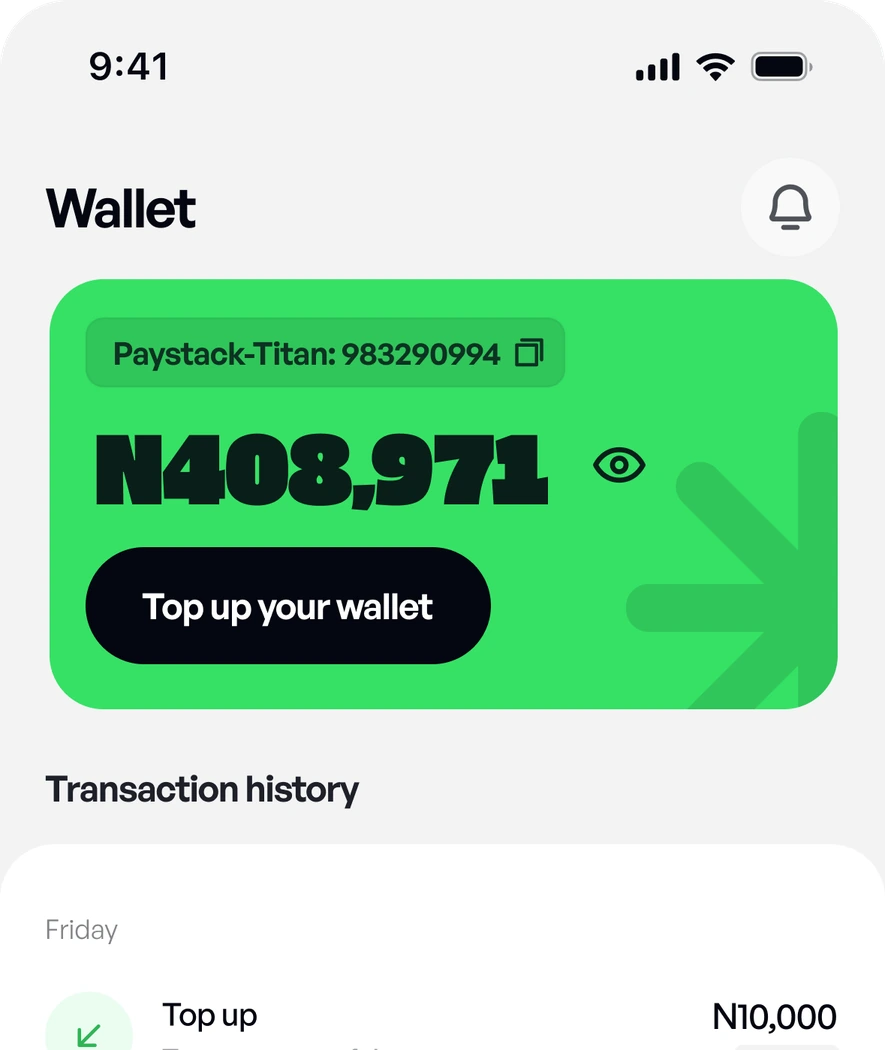
Wallet screen showing the balance and transaction history
Wallet topped up confirmation banner

What makes Leashub different

An EV-focused Marketplace

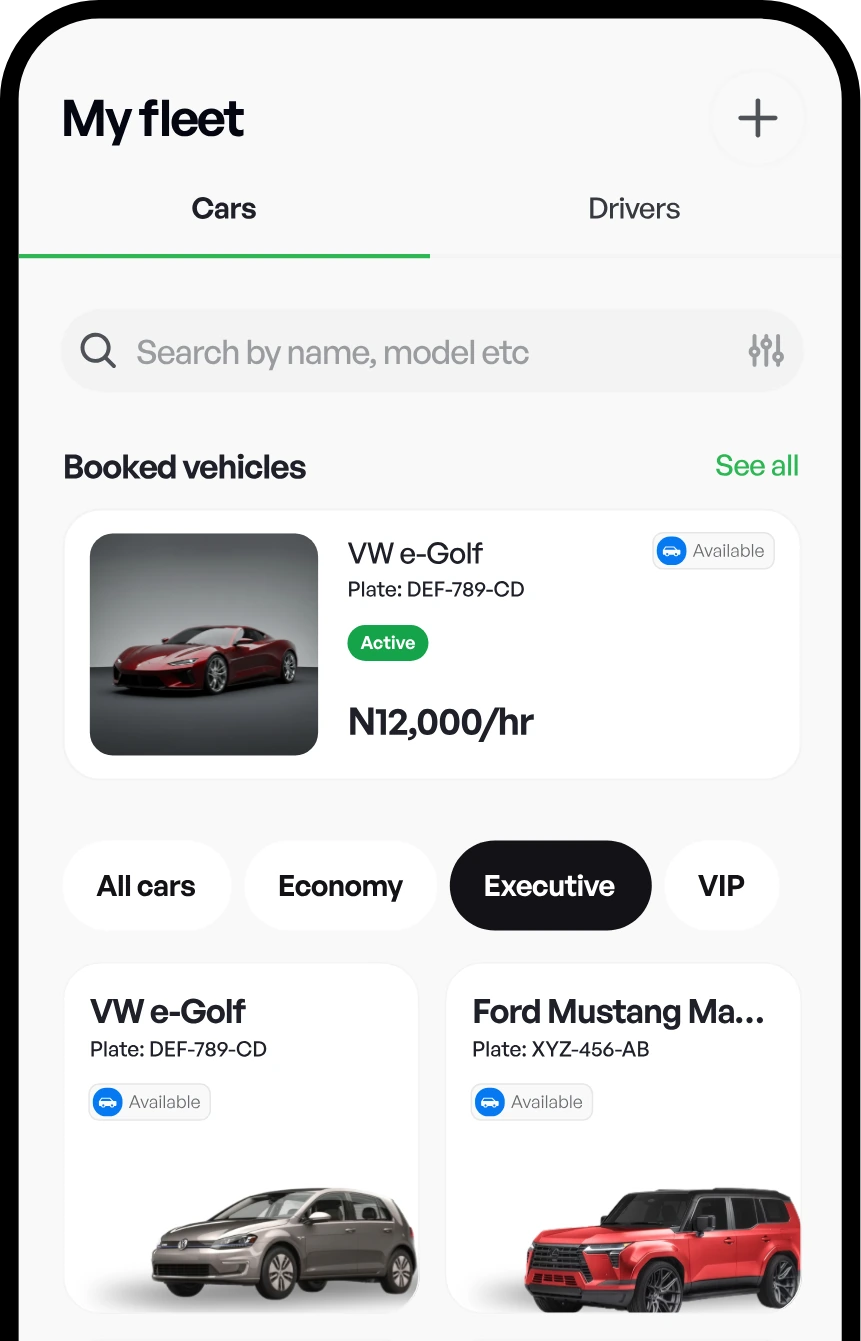
My fleet screen listing booked vehicles

Secure Wallet Payments

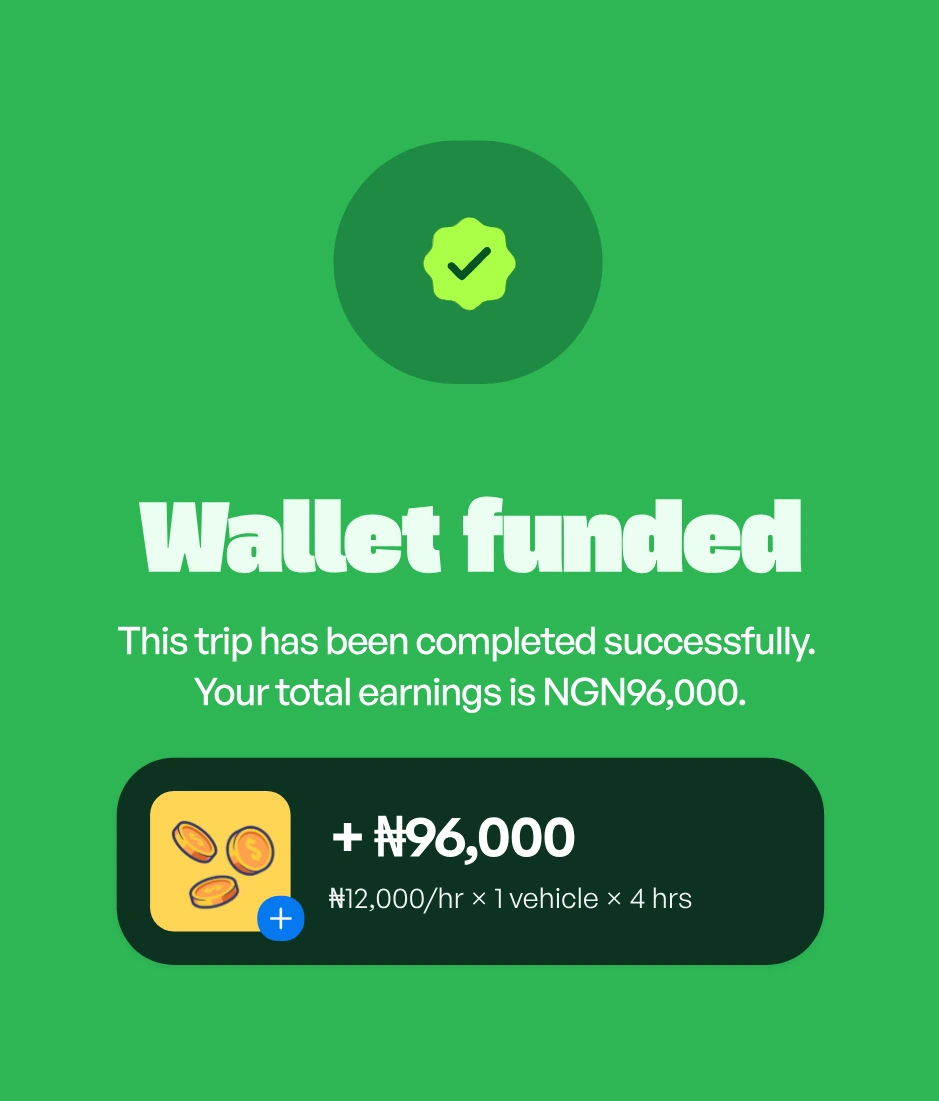
Wallet funded confirmation showing ₦96,000 earned

Transparent Booking Process.

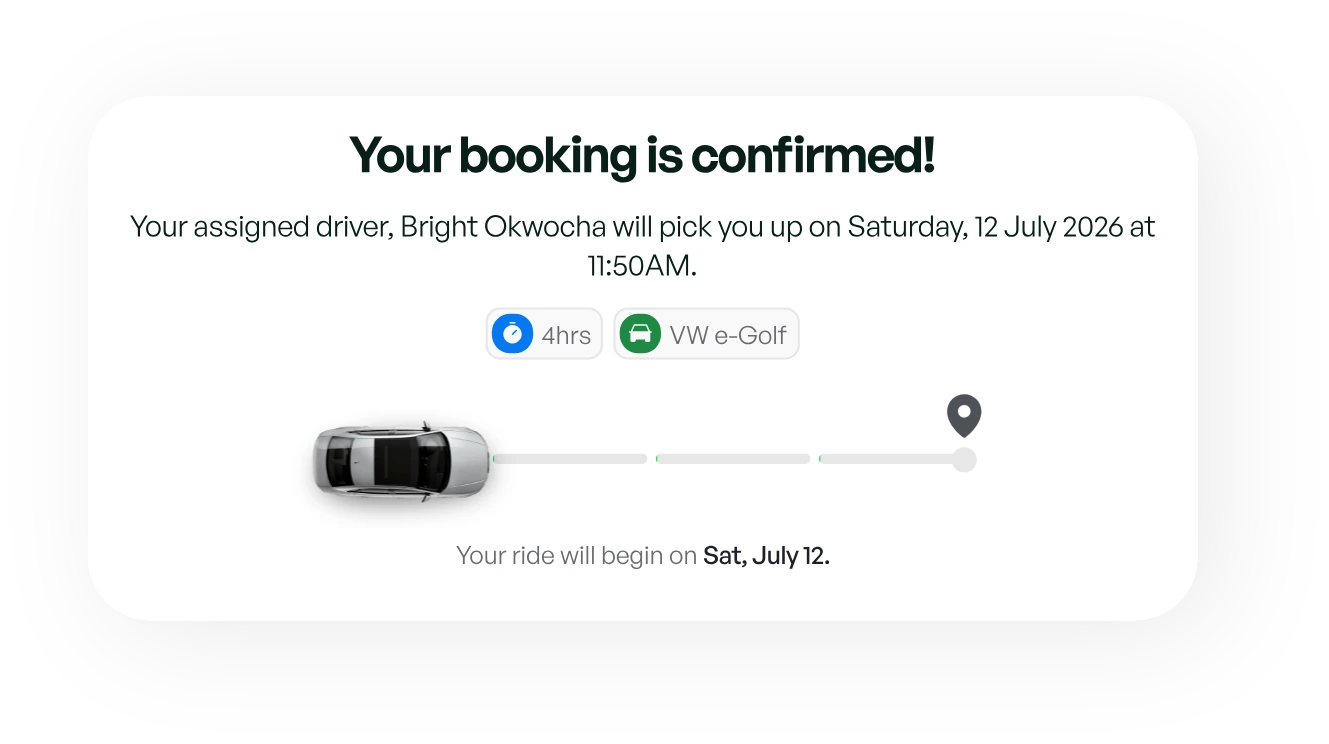
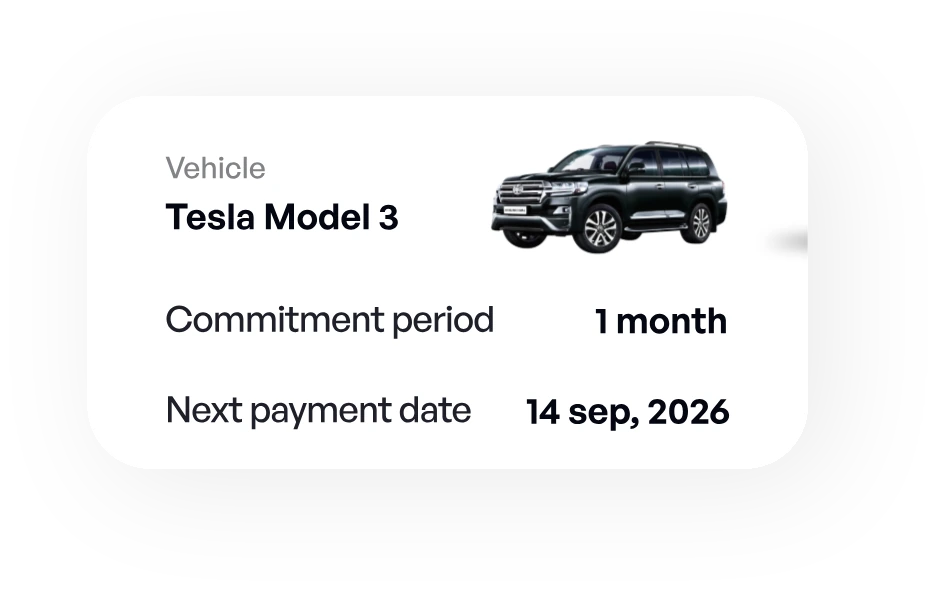
Booking confirmed card with the assigned driver and pickup timeBooking details: vehicle, commitment period and next payment date

Verified Fleet owners

Verified badge

The LeasHub Experience, In Your Hands.

Book vehicles, manage your wallet, track trips and manage your fleet—all through one connected platform built for modern EV mobility.

Get Started
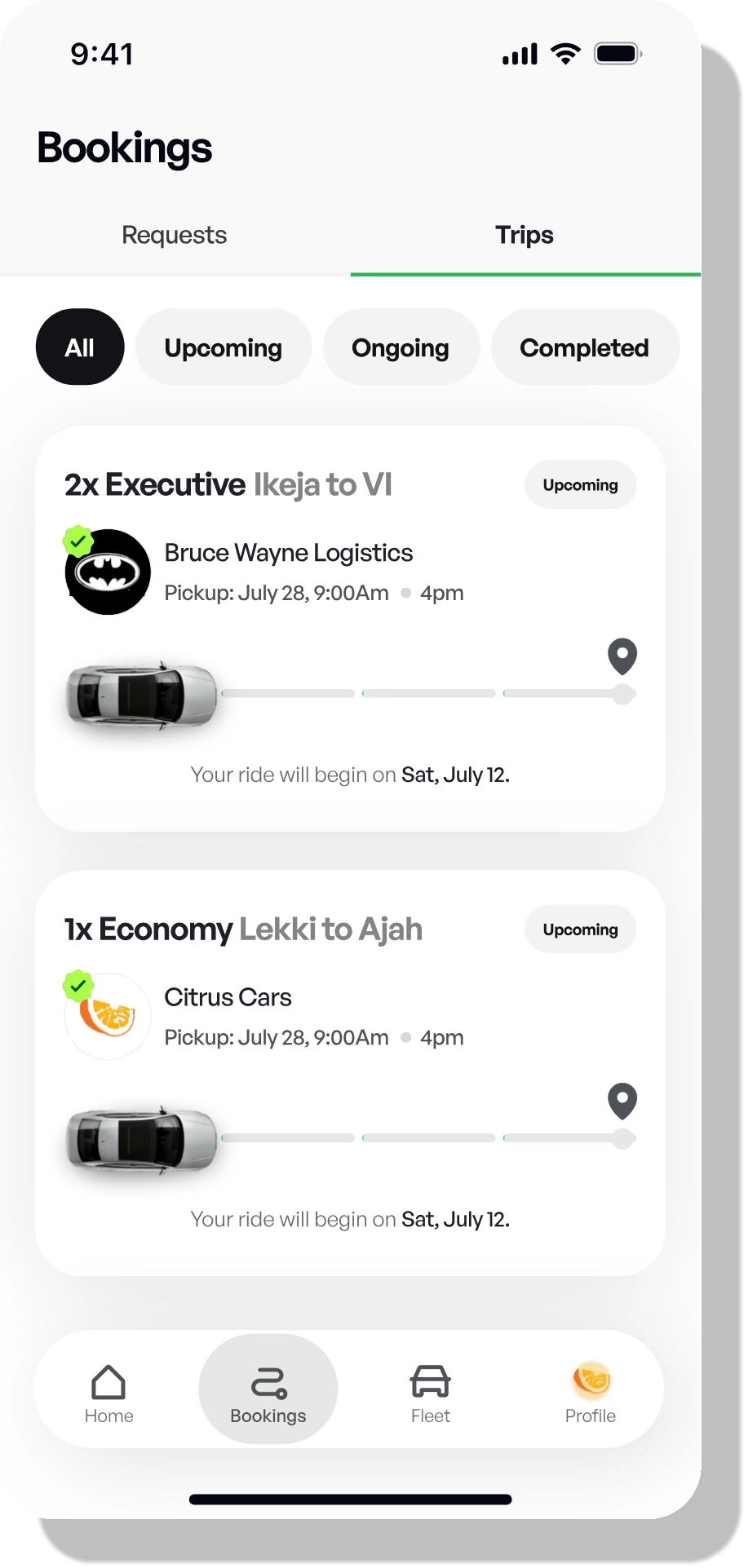
  • Bookings screen listing upcoming trips
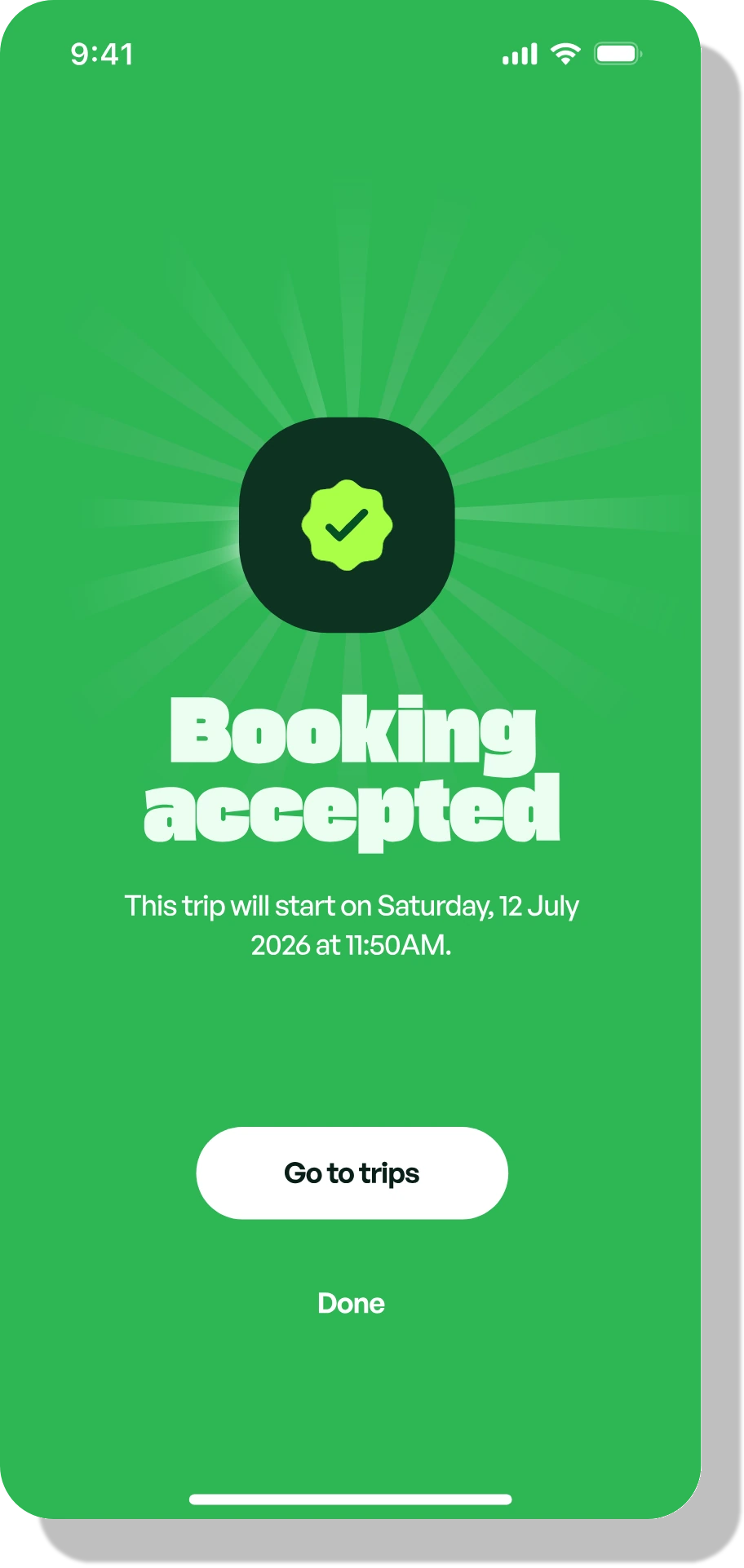
  • Booking accepted confirmation
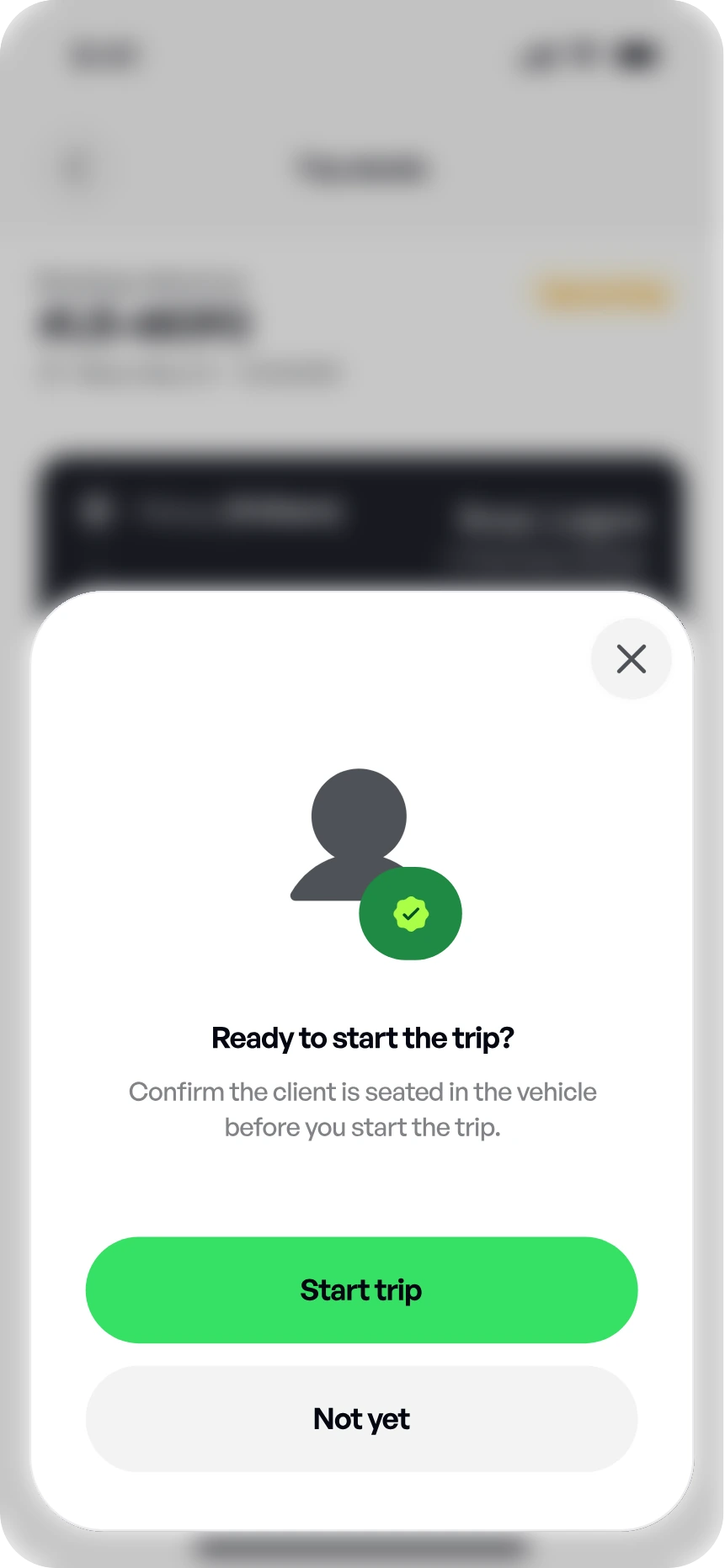
  • Ready to start the trip confirmation sheet
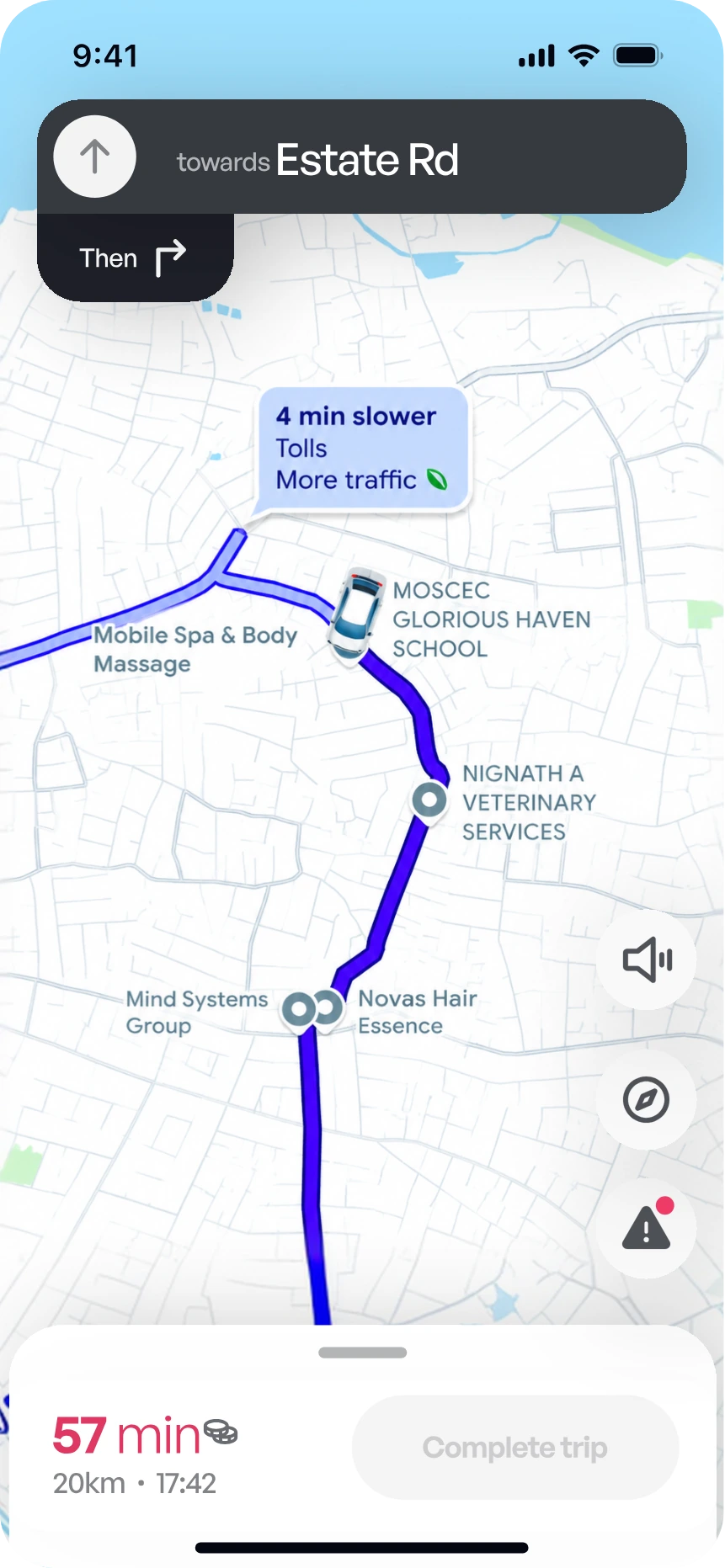
  • Turn-by-turn route to the pickup

Frequently Asked Questions

Everything you need to know about booking, listing your fleet and getting paid on LeasHub. Can’t find an answer? Contact us.

Choose a vehicle category and quantity, select a booking type and trip details, then submit. Eligible Fleet Owners are notified and the first to accept assigns your vehicle(s) and driver(s).

Create a Fleet Owner account, complete verification, then add your vehicles and drivers. Once approved you'll start receiving eligible booking requests.

Ready to Move With LeasHub?

Join a connected EV marketplace built to simplify vehicle access, fleet supply and business mobility.

White electric SUV, front view